Click to start

3D Character Artist / Maya Tools / Game Art

Game Art Tech Lab

pipeline blog

My name is:

Bruce Huang

I'm a:

Senior 3D Character Artist Maya Tool Developer Game Art Pipeline Artist Podcast Host Currently working at a game studio in Canada

A portfolio hub for AAA character production, real-time hair, Maya plug-ins, personal games, tutorials, and creative technology notes.

Latest News

最新 News:AI 3D 正从“生成结果”走向可发布、可动画、可扫描的生产资产

2026-07-13 更新。本周重点是 Gaussian Splatting 的网页交付与虚拟制作、端到端角色动画、单目视频动捕,以及可跟踪的 4D 人脸重建。
本周 5 条 AI 3D 动态:SuperSplat 2.29、SplatTransform 3.0、SCAIL-2、AIMoCap 与 FaceAnything

这周最值得游戏 / 3D 美术关注的变化不在“又生成了一个模型”,而在资产如何继续流动:SuperSplat 把 splat 直接打包成可改的 Web 项目并输出 360° 视频;SIGGRAPH 展示 3DGS 扫描场景进入 Unreal 虚拟制作;SCAIL-2 用原始 driving video 做端到端角色动画;AIMoCap 把普通视频转为可重定向 FBX;FaceAnything 则把动态人脸重建与密集跟踪放进公开 Demo。

阅读完整图文开源 / GitHub
SuperSplat 2.29:splat 一键变成可发布 Web 项目

新增 Vite + TypeScript starter、360° 视频 / 图片与 SPZ 导出,扫描资产更容易进入网页、VR 和社交交付。

SplatTransform 3.0:1 亿级 Gaussian 可在普通机器上流式处理

开源 CLI 重写为 bounded-chunk streaming;官方数据称 100M+ Gaussians 可处理,10M filter pass 约快 7 倍。

SCAIL-2:角色动画绕过骨架图和遮罩中间层

开源模型直接读取参考角色与 driving video,统一单人、多角色、角色替换和动物驱动场景。

AIMoCap:单目视频到 FBX / 自定义人形绑定

本周更新的公开 Space 可试 markerless mocap;正式平台支持异步 API、FBX 输出与自定义角色重定向,但不是开源模型。

FaceAnything:动态人脸变成可跟踪 4D 点云

公开 Demo 联合预测深度和 canonical facial coordinates,可输出 GLB 点云、轨迹、深度、法线和下载包。

Full Article

完整图文:AI 3D 的新分水岭,是资产能否继续进入制作链

回到摘要

2026-07-06 到 2026-07-13 的信号很清楚:3D AI 的价值开始由“生成第一版”转向“能否发布、转换、重定向、跟踪与进入引擎”。本期筛选的五条动态分别覆盖扫描场景交付、3DGS 虚拟制作、角色动画、动作捕捉和动态人脸。它们共同指向一个更实用的判断标准:输出是否仍然是美术与技术美术能继续编辑、验证和交付的资产。

5重点动态
16官方 / 论文 / 工具链接
4明确开源 GitHub
11图片 / 视频 / Demo 入口
Gaussian Splatting 虚拟制作场景与真人大小道具
SIGGRAPH 公开案例:经 AI 辅助降噪和选择性对焦修正后,Gaussian Splat 环境导入 Unreal Engine。
3DGS DeliverySuperSplatWeb app + 360° + SPZ
扫描结果不再停在 viewer,可直接变成 TypeScript 项目、360° 视频或压缩 SPZ 资产。
Character MotionSCAIL-2raw video → controlled animation
端到端 driving 减少骨架图、遮罩等中间表示造成的信息损失。
Markerless MocapAIMoCapvideo → FBX + retarget
面向 Blender、Unity、Unreal 和 Maya 的云端动作输出;需继续检查脚滑、根运动和隐私边界。
4D FaceFaceAnythingdepth + tracks + GLB
统一预测几何与对应关系,输出可检查的点云、轨迹、深度与法线,而非只给一段渲染视频。
01捕获 / 生成

视频、照片或扫描数据先得到 splat、动作、角色动画或 4D 人脸。

02转换 / 压缩

SplatTransform 处理格式、LOD、碰撞与超大场景;动画侧输出 FBX 或视频。

03验证 / 重定向

检查脚接触、根运动、角色身份、几何轨迹和扫描噪声,保留人工修正环节。

04发布 / 入引擎

资产进入 Web、VR、Unreal、Unity、Blender 或 Maya,而不是停留在孤立 Demo。

1. SuperSplat 2.29 与 SplatTransform 3.0:3DGS 开始解决“怎么交付”

PlayCanvas 7 月 9 日发布 SuperSplat Editor 2.29.0:可为可下载 splat 生成最小 Vite + TypeScript 项目,保留场景与相机设置;同时新增等距柱状 360° 视频 / 图片、SPZ 导出和 WebP 图片。配套开源 CLI SplatTransform 3.0 改为流式处理,内存随 chunk 而非整场景增长。官方称普通硬件可处理 100M+ Gaussians,10M Gaussian filter pass 约快 7 倍、峰值内存约为旧版五分之一。SuperSplat、SplatTransform 和 PlayCanvas Engine 均为 MIT 开源。

2. SIGGRAPH 虚拟制作案例:扫描质量问题仍需 AI 辅助与人工判断

SIGGRAPH 7 月 8 日的 Animationsinstitut 案例,把儿童卧室扫描为 Gaussian Splat,再与真人大小的罐头道具结合。公开说明明确提到,数据进入最终 splat 前使用了 AI-assisted denoising 与 selective focus correction,处理后的环境再导入 Unreal Engine。它不是新开源工具,而是一篇公开制作案例;价值在于暴露真实流程:采集、降噪、焦点修正、引擎导入与现场合成都不可省略,3DGS 只是资产表示之一。

3. SCAIL-2:用 driving video 直接传递动作、环境和交互信息

SCAIL-2 不再强制把驱动视频压缩成骨架图或背景遮罩,而是把原始 driving sequence 直接并入上下文;论文配套 MotionPair-60K 数据与 Bias-Aware DPO,统一单角色、多角色、角色替换和动物驱动。模型页标为 MIT,权重、项目页、推理代码和 Hugging Face Demo 均已公开。对角色美术而言,它更接近“视频级角色替换 / 动画生成”,还不是传统 DCC 中可逐骨编辑的动作曲线,因此应把结果当作镜头级生成或参考,而不是默认替代绑定与动画清理。

4. AIMoCap:单目视频到 FBX 已可试,但云端商业边界要写清楚

AIMoCap 的 Hugging Face Space 在 7 月 9 日更新,公开 Demo 支持从单目视频生成 3D 动画。官方文档进一步列出上传、裁剪、目标选择、预览 / 下载、自定义 humanoid FBX 绑定、retarget validation 与异步 API;默认 / 自定义角色返回 FBX,Unitree G1 返回 motion JSON。它是云端商业平台,不是开源模型,也没有公开 GitHub 仓库。适合先用困难动作测试脚滑、遮挡、转身、根运动与重定向,再决定是否接入批量 API。

5. FaceAnything:从动态人脸视频得到可检查的 4D 几何与密集轨迹

FaceAnything 本周进入 Hugging Face Spaces 推荐列表。它联合预测深度与 canonical facial coordinates,在多帧中建立统一人脸坐标,可输出 canonical / depth / normal 视频、带彩色轨迹的 GLB 点云、2D tracking overlay 和可下载点云包。项目代码公开,Space 标注 CC BY-NC 4.0;约 15GB checkpoint 没有直接提交到 Space 仓库。对 MetaHuman、数字人和面部扫描团队,它更适合做研究验证、跟踪与几何参考,商业使用前必须人工确认代码、权重和数据许可。

6. 本周判断:把“后续可编辑性”写进 AI 3D 评估表

以后评估 AI 3D 工具,至少同时记录五项:输出格式、拓扑 / 几何可检查性、动画可重定向性、许可与数据处理方式、进入 DCC / 引擎的成本。SuperSplat 与 SplatTransform 在交付端最成熟;SCAIL-2 更偏镜头级角色生成;AIMoCap 更接近传统动作资产;FaceAnything 更偏 4D 几何与追踪。没有一个工具能独自覆盖完整角色或场景生产线。

这周值得直接打开的 2 个视频与 4 个可运行 Demo

先看 SuperSplat 的 360° 输出和 SIGGRAPH 虚拟制作视频理解交付场景;再分别用 SCAIL-2、AIMoCap、FaceAnything 与 SuperSplat Editor 测角色动画、动作、动态人脸和 splat 编辑。公开 Demo 的在线状态、GPU 队列与额度会变化。

SuperSplat 360° 视频SIGGRAPH 案例视频SCAIL-2 Demo

Daily Inspiration

ArtStation excellent work picks

Twelve public ArtStation Trending works selected for visual study. Each card links directly to the original artist.

Source: ArtStation Trending

Daily Watchlist

YouTube 3D and AI technical picks

Twelve daily video recommendations about 3D art, AI tools, Blender, Maya, Unreal, and technical art workflows.

Source: YouTube creator channels

AI Video / Camera / Workflow / Prompts

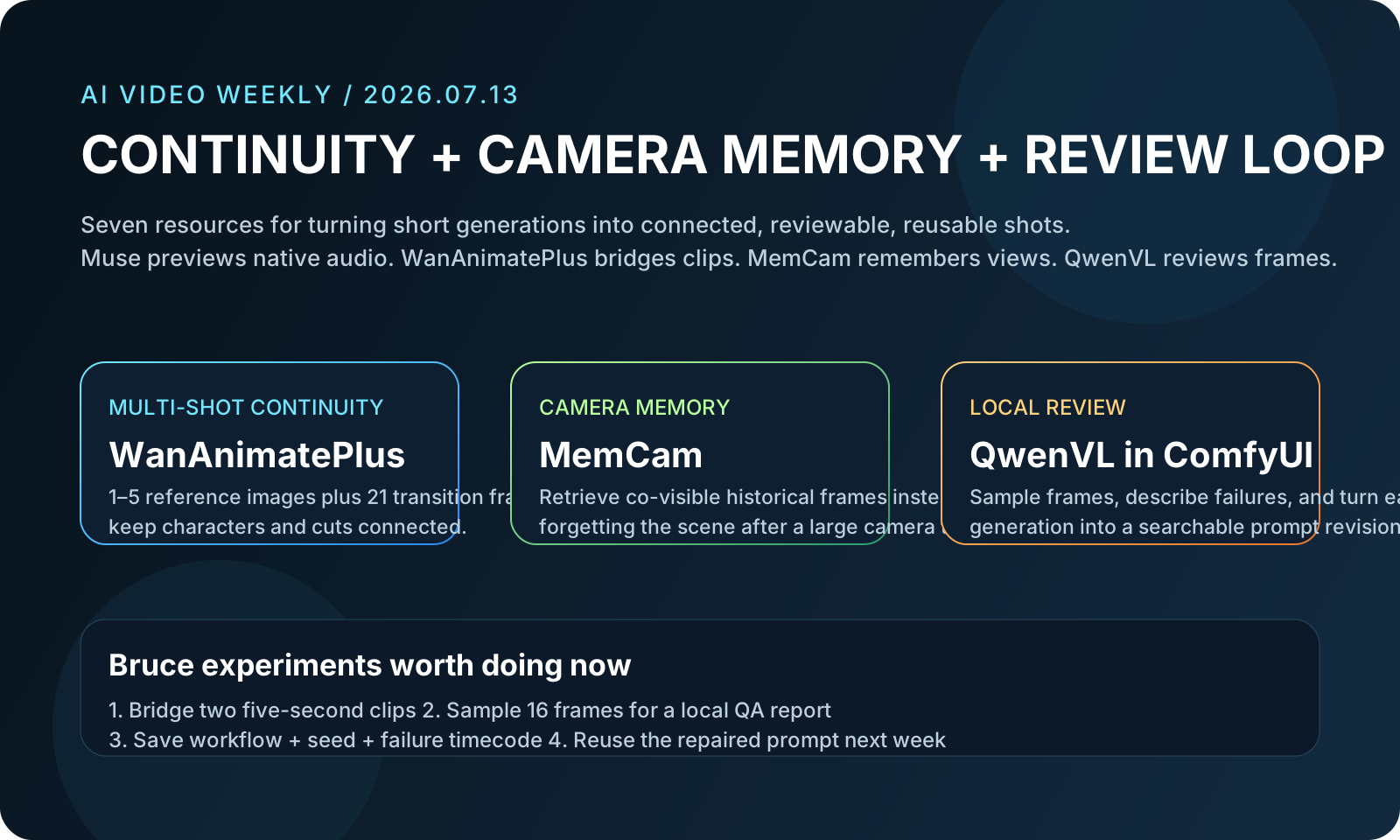
AI 影像 / 视频生成周报 07|Muse Video、长镜头记忆与可续接的 ComfyUI 工作流

2026-07-13 更新。本周不是再堆一个“最强模型”榜单,而是补齐个人创作最容易断掉的三段:多参考与续接、长镜头一致性、生成后的分析与提示词归档。

7 个近期资源:1 个商业模型预览 + 6 个可查源码的本地工作流、镜头控制与提示词项目

对 Bruce 最实用的路线是:先用 WanAnimatePlus 或 VACE Prep 把短片续接、转场和扩画做稳;用 QwenVL 给失败片段自动写镜头诊断;再把可复用结构存进 Seedance prompt 库格式。Muse Video 与 MemCam 用来观察“原生音频”和“360° 长镜头记忆”接下来会怎样进入创作工具。

阅读完整图文 GitHub / HF / Demo

Full Article

完整图文:从“能生成”到“能续接、能诊断、能复用”

回到摘要

以下 7 个条目均核对了官方页面、仓库或论文入口。开源只表示代码或资料仓库可查,不代表模型权重、训练数据和商业使用条款完全相同;商业服务与论文项目会单独标出。

7资源 / 技术点
6开源 GitHub 地址
4站内图片 / 图解
9视频 / Demo / 模型入口
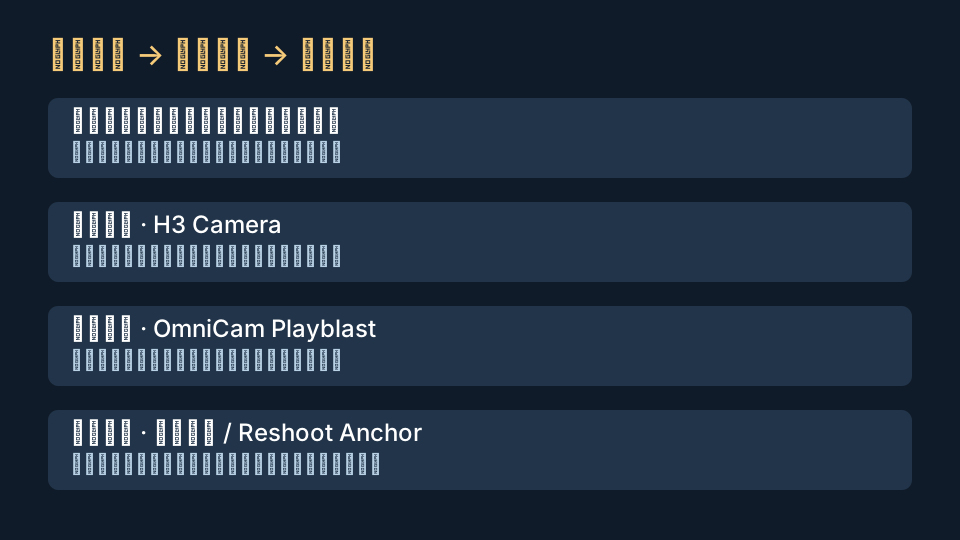
本周 AI 视频资源图解:Muse Video、WanAnimatePlus 与 MemCam
图解:商业模型看能力边界,本地节点解决续接和分析,研究代码验证长镜头一致性。
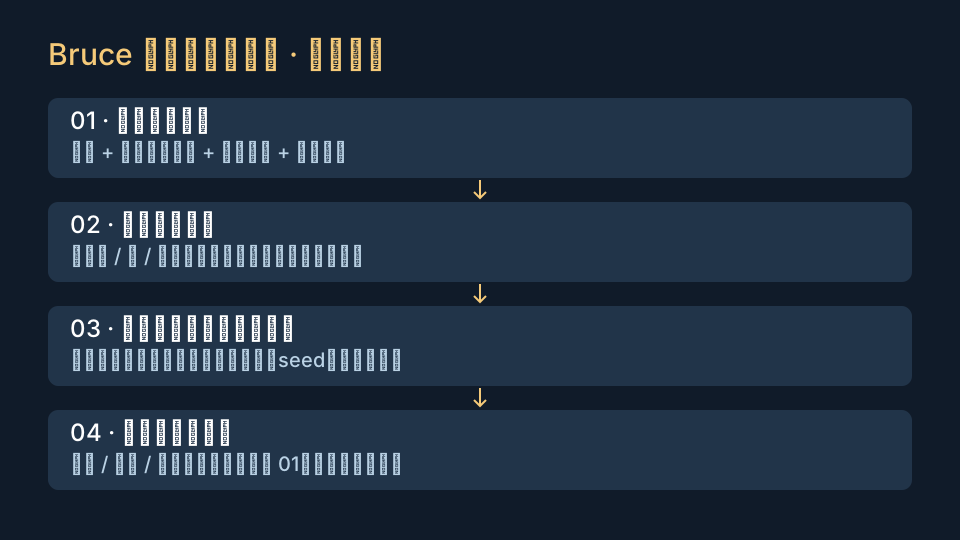
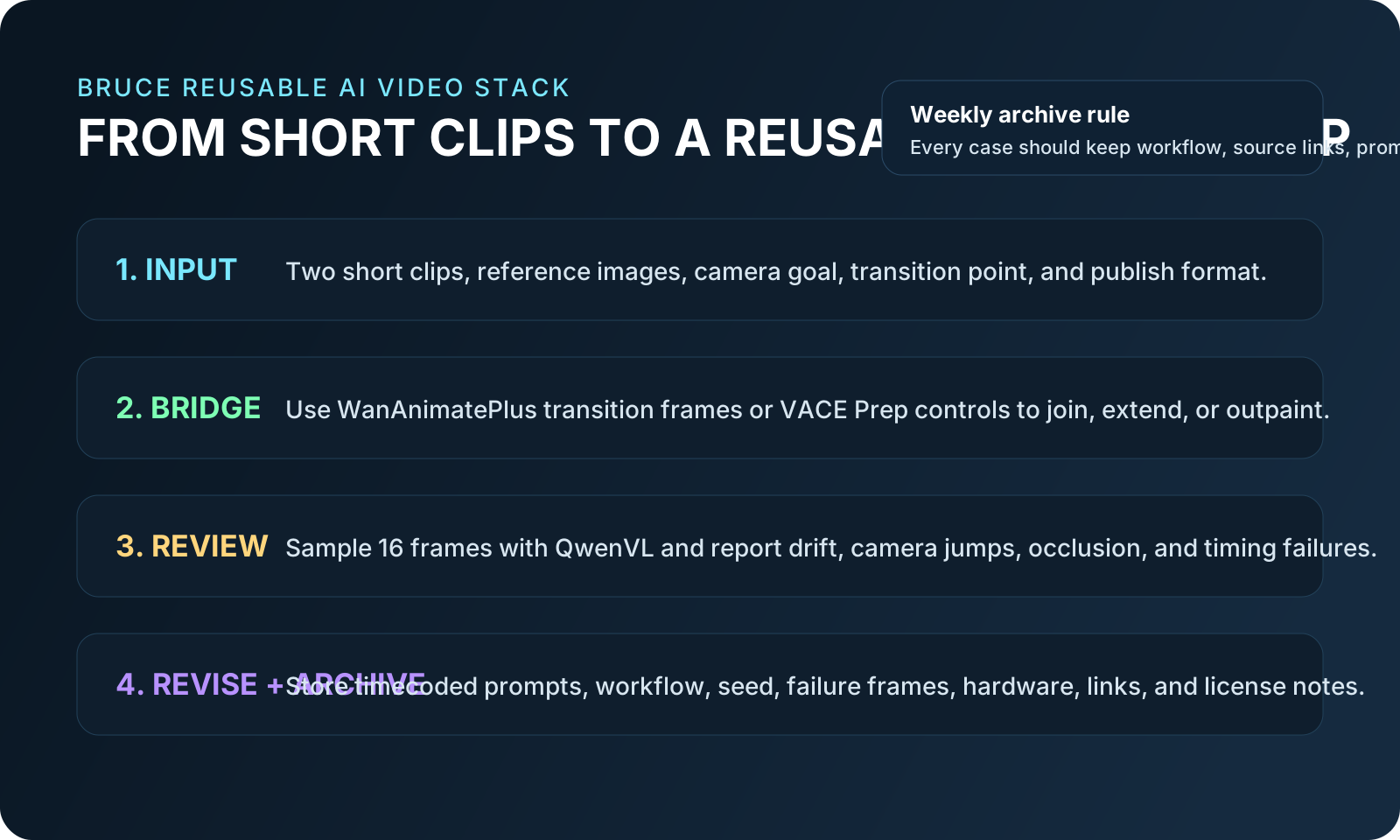
Bruce 的可复用 AI 视频创作与复盘流程图
流程图:参考素材 → 生成 / 续接 → 本地读片 → 提示词与失败记录归档。
CONTINUITY21-frame bridge多参考与镜头续接
WanAnimatePlus 用上一段最后 21 帧建立过渡上下文;VACE Prep 则负责转场、扩画和延长。
REVIEW LOOP16 sampled frames让本地视觉模型读片
QwenVL 默认可抽取 16 帧,把“感觉不对”改成可检索的镜头问题和修订提示词。
01准备短素材

两段同主体短片、参考图、目标镜头和输出比例;每次只测试一个变化。

02续接 / 转场

WanAnimatePlus 做多参考和连续生成,或用 VACE Prep 构造可控转场与扩画输入。

03本地读片

QwenVL 抽帧描述主体漂移、镜头跳变、遮挡和节奏,不再只靠肉眼记忆。

04提示词归档

保存 workflow、seed、硬件、失败帧与时间码 prompt;下周直接复用而非重聊一次。

01 / 官方商业模型预览,非开源Meta Muse Video:视觉保真 + 原生音频,但仍是“coming soon”

解决什么:Meta 把视频生成、视觉一致性和原生音频放到同一预训练体系,并明确仍在改进音画同步与高速运动物理。

适合谁 / 怎么用:适合关注社交内容、广告素材和原生音频视频的人;现在先看官方 Gallery,记录它在动作、声音和文字服从上的边界。

开源 / 本地:不是开源仓库,没有公开权重,不能本地运行;Muse Video 目前是官方预览,未来面向 creators 和 Meta AI。

限制:没有可核验的显卡要求、公开 API 价格或上线地区;不要把预览 demo 当成已可用产品。

Bruce 可试:把同一段 8 秒分镜保留为基准,等开放后与 Wan / LTX 的主体一致性和音画同步做 A/B。

02 / GPL-3.0,官方 ComfyUIComfyUI 0.27:视频加载、LTX 性能与自回归视频链路继续进入核心

解决什么:最新稳定版继续把视频生成从“自定义节点拼装”往核心能力推进,包括自回归视频、LTX 异步加载加速、音频 latent 解码和更完整的视频加载。

适合谁 / 怎么用:长期维护 Wan、LTX 或视频批处理 workflow 的用户;先在副本更新并用旧 workflow 回归,再决定是否迁移生产环境。

开源 / 本地:GPL-3.0,可在 Windows、Linux、macOS 本地运行;也有官方云端与商业 API 节点。

限制:稳定版约每两周发布,master 可能破坏自定义节点;核心本身可低显存 offload,但实际显存仍由所选模型、分辨率和帧数决定。

Bruce 可试:复制现有 Wan / LTX workflow,记录更新前后加载时间、峰值显存和旧节点报错。

03 / Apache-2.0,ComfyUI 本地节点WanAnimatePlus:1–5 张参考图 + 上一段最后 21 帧

解决什么:给 WanAnimate 增加多参考注入与无缝续接,并支持 Bernini、SCAIL-2、v2v / r2v / t2v 等条件组合。

适合谁 / 怎么用:做角色连续镜头、动作迁移和多段短片的人;把上一段结尾作为 transition_video,再用额外参考图守住服装与脸。

开源 / 本地:Apache-2.0,可本地运行,仓库内有 example_workflows 和视频 demo。

限制:必须安装原 WanVideoWrapper,并用 WanAnimatePlus 的完整节点链替换;不能和原节点混搭。显存由底层 Wan / Bernini / SCAIL-2 模型决定,长片或低显存应开 context windows。

Bruce 可试:用同角色两段片,只比较“无 transition”与“21 帧 transition”,观察切点附近的脸、服装和背景跳变。

04 / Apache-2.0,论文代码 + HF 权重MemCam:用可检索外部记忆保持 360° 镜头后的场景一致

解决什么:普通固定上下文忘记较早视角;MemCam 按视野重叠检索历史帧,并把历史 token 压缩到四分之一,论文报告相对未压缩基线约 5× 推理加速。

适合谁 / 怎么用:做虚拟摄影、场景漫游和大角度回转镜头的技术美术;用相机 pose JSON 测试绕场一圈后是否能恢复原视角细节。

开源 / 本地:Apache-2.0 官方代码,Hugging Face 提供 MemCam 权重,底座为 Wan2.1 1.3B,可本地运行。

限制:研究代码不等于 ComfyUI 即插即用节点;仓库未给出统一消费级显存承诺,需按环境实测。

Bruce 可试:先跑仓库示例 pose,再把 Blender 相机轨迹导成相同结构,验证回到起始机位时的物体与纹理一致性。

05 / GPL-3.0,ComfyUI + Hugging FaceComfyUI-QwenVL:把视频读片、提示词反推和失败复盘放进节点图

解决什么:从视频帧提取镜头、主体、动作与问题描述,直接输出可交给 ChatGPT/GPT 改写的结构化文本。

适合谁 / 怎么用:需要批量整理 AI 视频结果的人;抽 16 帧后要求模型按“时间码、主体漂移、相机变化、修订 prompt”输出。

开源 / 本地:节点代码 GPL-3.0,支持 Qwen3-VL / Qwen2.5-VL 与 HF 自动下载,可 CUDA、CPU 或 MPS 本地运行。

限制:4-bit 可面向 8GB 以下但更慢;8-bit 适合约 8GB+;FP16 建议 16GB+。抽帧分析不会看到每一帧,快速故障可能漏掉。

Bruce 可试:固定抽 16 帧、temperature 0.2,让它为每个实验生成同格式 QA 报告并链接回 workflow。

06 / MIT,ComfyUI 视频整理节点Wan VACE Prep:转场、延长、扩画、补洞和批量拼接

解决什么:把两段视频的边缘帧整理成 VACE 可用的 control video / mask,减少手工裁帧、补占位和拼接出错。

适合谁 / 怎么用:做短片拼接、循环视频、横竖版扩画和局部重绘的人;先用 8 帧 context + 8 帧 replace 做最小转场。

开源 / 本地:MIT,可本地运行;主要面向 Wan VACE,也支持 LTX-2 outpainting。

限制:它负责准备控制输入,不包含视频模型;显存跟 VACE / LTX 走。批量加载长视频还要看系统 RAM,仓库建议配合 VideoHelperSuite Meta Batch Manager。

Bruce 可试:把一段横版镜头扩成 9:16,再做一次两段片无缝连接,把控制 mask 作为站内图解。

07 / MIT 资料库;生成服务为商业产品Awesome Seedance:把时间码、镜头和声音拆成可复用 prompt

解决什么:收集带时间段、镜头类型、动作、声音和风格字段的 Seedance 2.0 提示词,适合作为 GPT 改写模板而非一次性灵感。

适合谁 / 怎么用:做广告、短剧、动作镜头和多镜头脚本的人;让 ChatGPT 保留时间码结构,只替换角色、场景和镜头目标。

开源 / 本地:资料仓库 MIT,可离线阅读;Seedance 2.0 本身是商业服务,不因 prompt 仓库开源而变成本地模型。

限制:案例来自多种公开来源,效果不能保证复现;含导演/品牌风格词时仍需人工评估版权、肖像和平台政策。

Bruce 可试:做一个 10 秒三段式模板:0–3 秒建立、3–7 秒动作、7–10 秒收束,并保留镜头失败后的修订字段。

先看 4 组 demo,再决定下载哪个模型

Muse 看原生音频能力边界;WanAnimatePlus 看多参考与续接;MemCam 看大角度回转;VACE Prep 看控制图如何构造。QwenVL 和 Seedance 资源则负责把结果变成文字资产。

Muse GalleryWanAnimate DemoMemCam DemoVACE 节点图

1. 本周主线是连续性

长片不是一次生成出来的;多参考、尾帧上下文、历史记忆与可控转场决定片段能不能拼起来。

2. 本地视觉模型负责复盘

QwenVL 不替代审片,但能统一描述格式,让主体漂移、镜头跳变和 prompt 修订进入可搜索记录。

3. 开源边界要分层写

ComfyUI 节点、论文代码、模型权重和商业生成服务是四种不同东西;文章已逐项标明。

4. 下一篇应放真实对照

优先做 21 帧续接、VACE 转场和 16 帧读片三组截图,不再只展示资源列表。

Latest Plug-ins

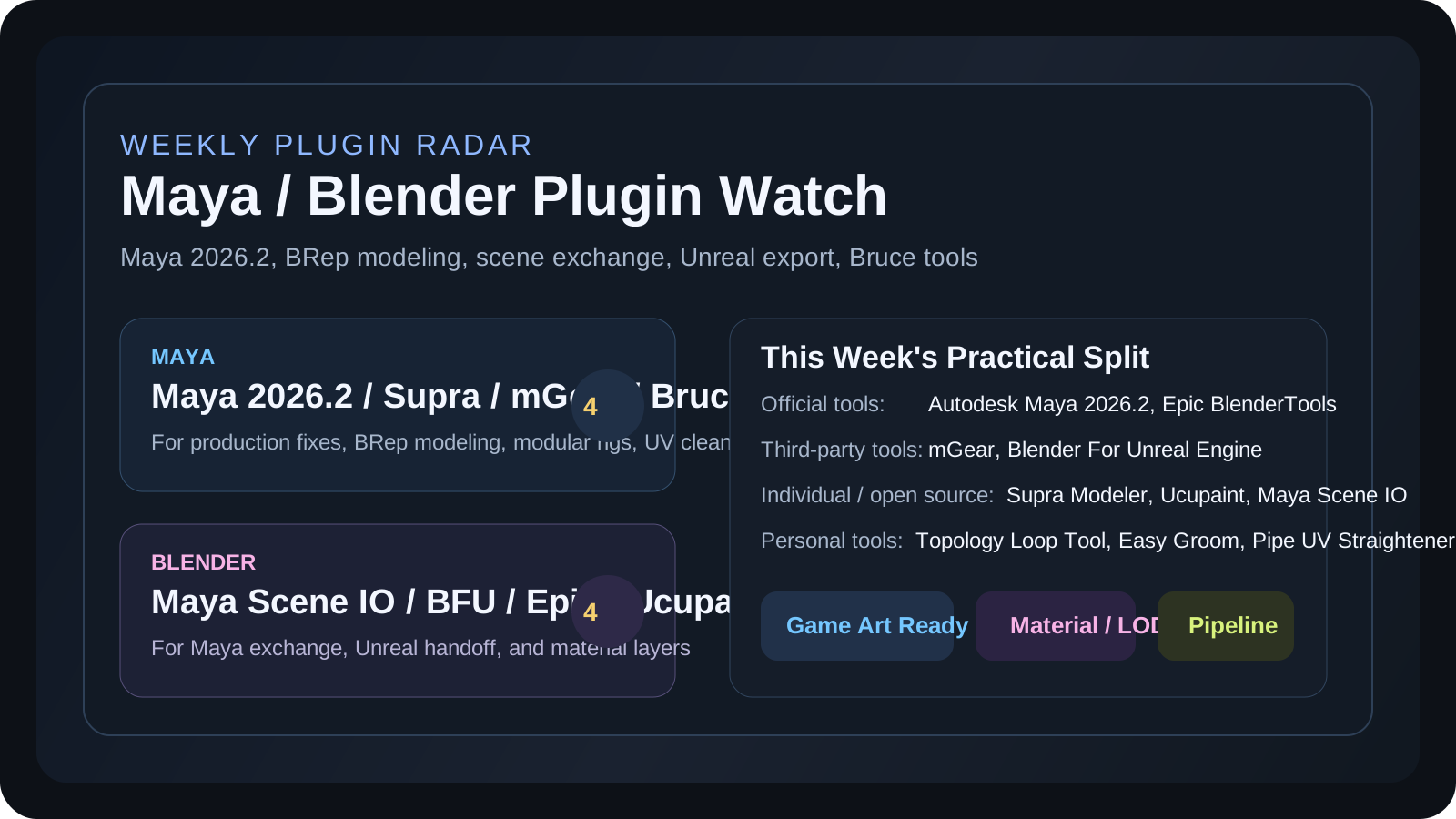
Maya / Blender 插件周报 09|近期更新复核:BRep、绑定、场景交换与 Unreal 管线

2026-07-19 更新。本期只写 Maya / Blender 插件与工具,继续和“AI 3D 技术雷达”“AI 影像 / 视频生成”分开。本周没有加入来源薄弱的新插件:继续复核 7 月 10 日发布的 Supra Modeler 0.1.6,并把 Maya 2026.2、mGear、Maya Scene IO、Unreal 导出和 Ucupaint 整理成可执行的兼容性检查清单。

阅读完整图文Bruce 工具入口

Maya 本周重点:2026.2 官方修复、Supra NURBS/BRep、mGear 与 Bruce 效率工具

Autodesk Maya 2026.2

官方更新修复动画撤销、ML Deformer、Morph Deformer、Hypershade 与视口问题;Motion Trail 和 Bonus Tools 菜单仍有已知限制。

Autodesk Release Notes
Supra Modeler 0.1.6 Beta

基于 OpenCASCADE 的 Maya NURBS/BRep 直接建模插件;新版拆分 Hollow / Thicken,并加强 Loft、Boolean、Slice 与 Undo。

GitHub Release
mGear 5.3.3

开源绑定框架 5.3.3 继续覆盖 Maya 2022-2027,修复 Shifter 控制提取性能和 SimpleRig 转换遗留节点问题。

GitHub Releases
Bruce Maya Utility Pack

Topology Loop Tool、Easy Groom、Pipe UV Straightener、Maya Batch Rename Tool 覆盖拓扑、毛发卡片、管状 UV 和命名清理。

查看锚点 / Demo / 购买链接

Blender 本周重点:Maya Scene IO、Unreal 双路线与 Ucupaint 贴图层

Blender For Unreal Engine 4.4.6

个人开发但维护活跃的 Unreal 导出插件,6 月 18 日发布 4.4.6,新增 UE 5.8 支持并修复 Blender 5.0/5.1 相关问题。

GitHub Release
Epic Games BlenderTools

官方 Unreal / Blender 工具集合,包含 Send to Unreal 和 UE to Rigify,适合仍在维护 Blender 到 Unreal 角色和动画链路的团队。

GitHub Repo
Ucupaint 2.4.8

个人开发的 Blender 贴图分层插件,2.4.8 增加 image atlas 选项,Plus 版支持 PSD group mask 导入导出。

GitHub Releases
Maya Scene IO 1.0

GPL 开源个人工具,可在 Blender 4.2+ 原生读写 Maya ASCII;网格、UV、骨架、权重、blend shape 与基础材质可进入跨 DCC 验证。

GitHub Release

Video Demo

Ucupaint Plus 2.4.8:PSD group mask 导入导出演示

本周保留这个可公开嵌入的 Ucupaint 演示,方便直接判断贴图层、PSD 和 image atlas 工作流是否值得测试;Bruce 的 Easy Groom、Topology Loop、Pipe UV 和 Batch Rename demo 继续放在下方链接卡。

打开 YouTube DemoEasy Groom Demo

Full Article

完整图文:官方管线、第三方框架和个人小工具分开收藏

回到摘要
4Maya 插件 / 工具
4Blender 插件 / 工具
4Bruce 工具入口
7视频 / Demo 链接
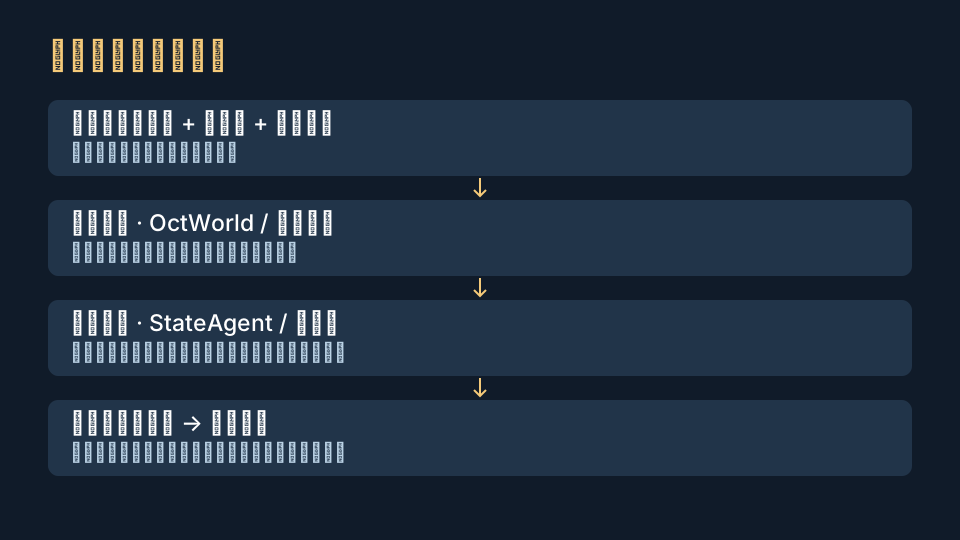
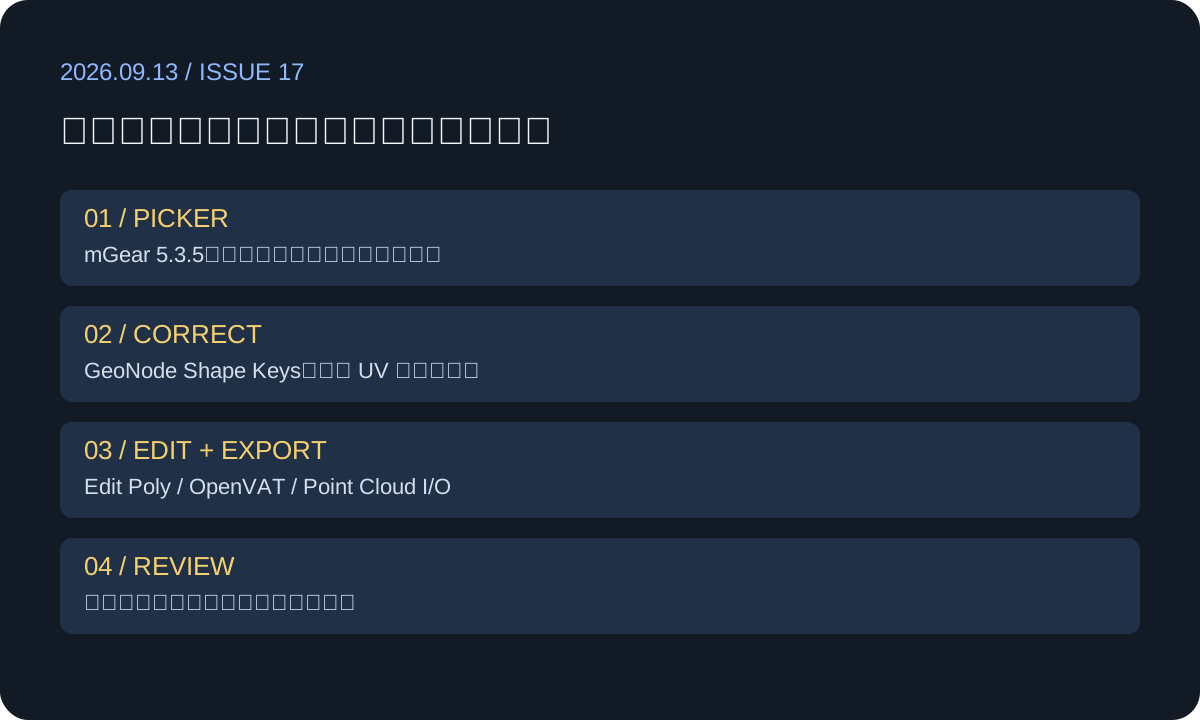
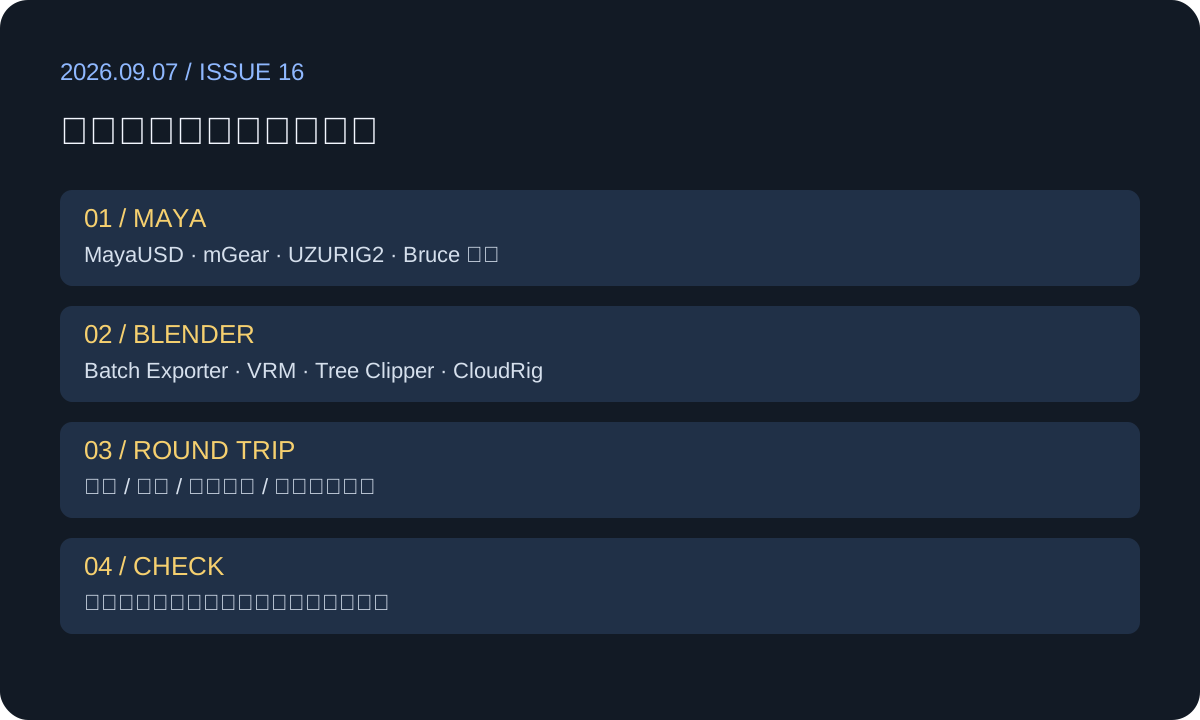
Maya 与 Blender 插件周报总览图
总览图:Maya 侧关注 2026.2、NURBS/BRep、绑定和个人效率工具;Blender 侧关注 Maya 场景桥接、Unreal 与材质层。
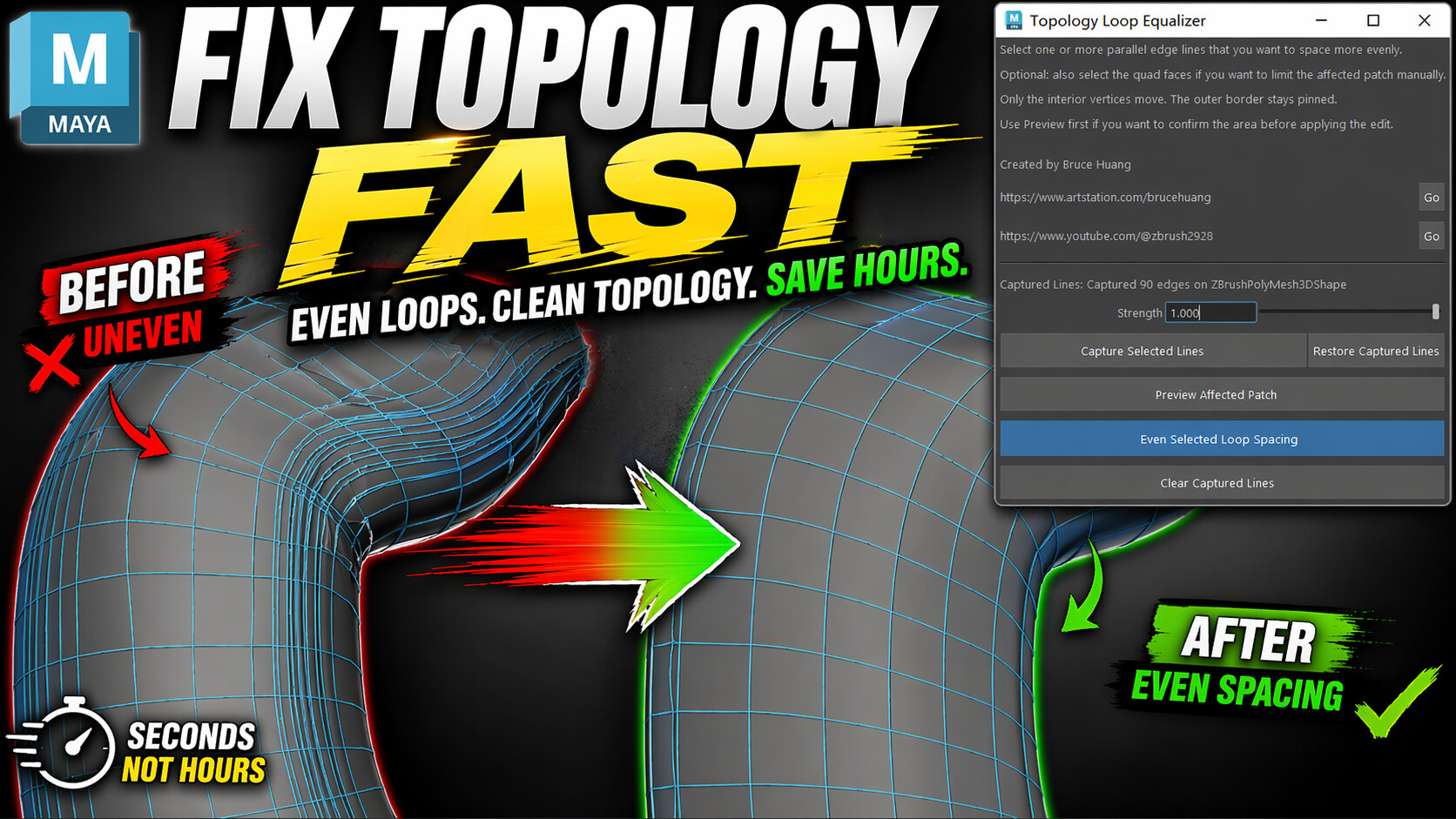
Topology Loop Tool Maya plugin preview
Topology Loop Tool:适合角色与硬表面模型中不均匀环线的快速整理。
Easy Groom Maya plugin preview
Easy Groom:面向羽毛、发片和 hair card 的重复摆放场景。
Pipe UV Straightener Maya plugin preview
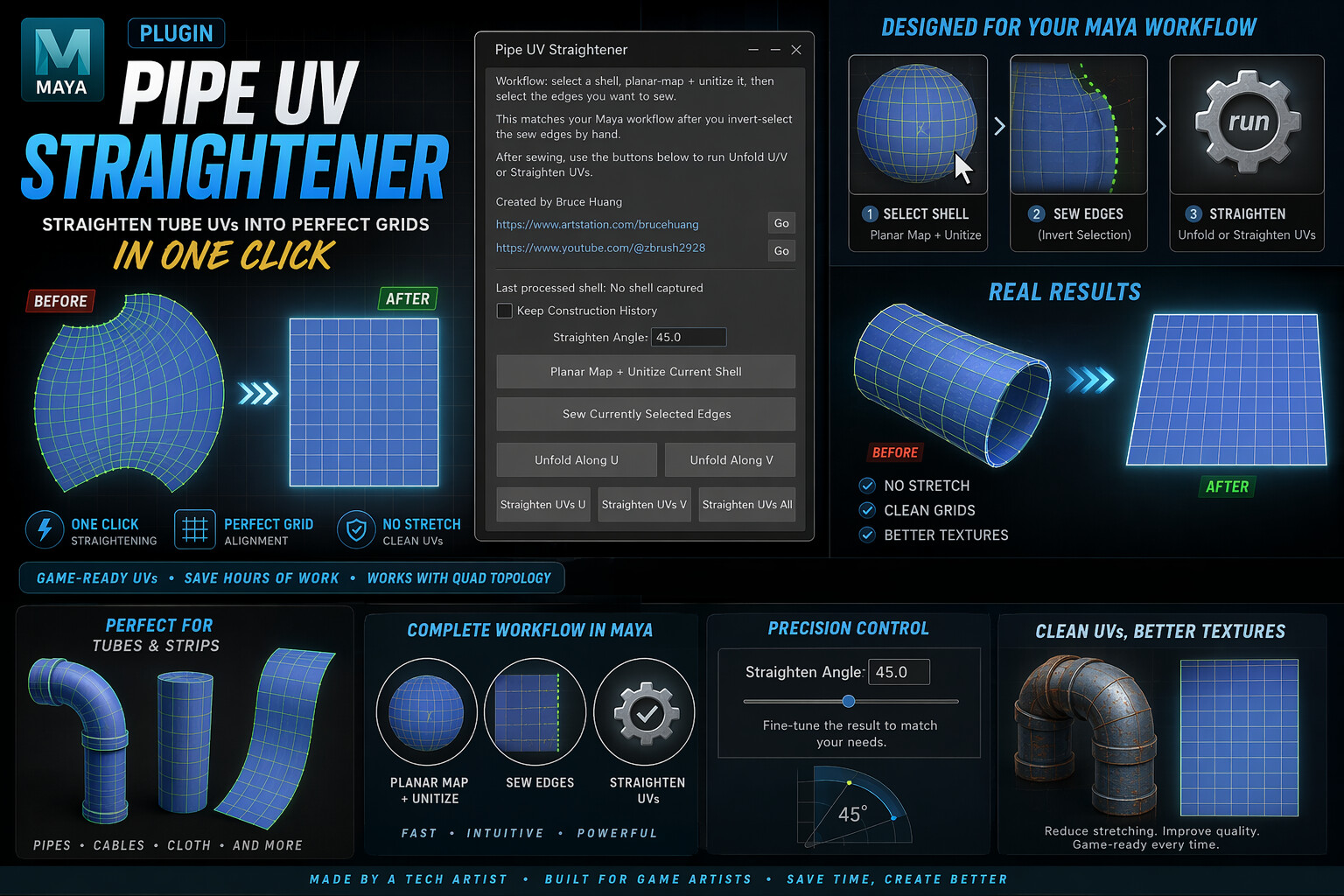
Pipe UV Straightener:把管线、线缆、条带类 UV 拉成更规整的网格。

Maya 插件

Maya 侧本周先看 Maya 2026.2 的生产修复和已知问题,再评估 Supra Modeler 0.1.6 的 NURBS/BRep 直接建模;mGear 5.3.3 仍是角色团队可持续跟踪的开源框架。Bruce 自己的四个 Maya 工具继续保留页面锚点、ArtStation、YouTube 与 B 站入口。

Blender 插件

Blender 侧本周加入 Maya Scene IO 1.0,重点验证 .ma、骨架、权重和 blend shape 的往返;Blender For Unreal Engine 4.4.6 与 Epic BlenderTools 分别代表活跃个人工具和官方路线;Ucupaint 2.4.8 继续承担 Blender 内贴图层与 PSD 交换。

Official / Maya

Autodesk Maya 2026.2

解决什么问题:集中修复动画撤销、隐藏 Rig 评估、ML Deformer、Morph Deformer、Hypershade 与视口显示等生产问题。

适合谁:角色 Rig / Animation TD、技术美术,以及准备更新 Maya 2026 项目环境的团队。

亮点:官方 release notes 给出可验证的修复清单,适合先用问题编号对照团队现有 bug,再决定是否升级。

风险 / 限制:Motion Trail 视口编辑仍有已知问题;Bonus Tools 菜单可能显示不全,官方列出了手改 MEL 第 659 行的 workaround。升级前仍应复制项目做回归。

Autodesk Release Notes
Individual / Maya

Supra Modeler 0.1.6 Beta

解决什么问题:在 Maya 内提供接近 CAD 的 NURBS/BRep 直接建模,适合硬表面概念、产品形体与需要稳定 Boolean 的模型。

适合谁:硬表面模型师、道具美术、想在 Maya 内试用 OpenCASCADE 建模逻辑的人。

亮点:0.1.6 于 2026-07-10 发布;Hollow / Thicken 拆成独立工具,并修复旋转对象 Hollow、多曲线 Loft、Boolean、Slice 与 Undo 稳定性。

风险 / 限制:专有软件,beta 期间免费;仅 Windows 64 位 Maya 2025 / 2026,两个版本安装包不能混用。作者明确建议频繁保存。

Release / 下载
Third Party / Maya

mGear 5.3.3

解决什么问题:把角色绑定、picker、guide、rig 生成和变形维护做成可重复框架,减少项目之间从零搭 rig 的成本。

适合谁:角色 Rig TD、动画技术美术、需要维护多角色绑定模板的团队。

亮点:5.3.3 release 写明兼容 Maya 2022-2027,并修复 Shifter extract controls 性能回退、build log、SimpleRig 转换等实际生产问题。

风险 / 限制:mGear 是框架,不是单个按钮;已有自研 rig 系统的团队需要先评估命名、picker、构建脚本和动画交付约定。

GitHub Releases
Personal / Maya

Bruce Maya Utility Pack

解决什么问题:四个小工具分别处理拓扑环线、羽毛 / hair card、管状 UV 和批量命名,覆盖角色美术日常最重复的一批微操作。

适合谁:角色建模、道具建模、毛发卡片、场景整理和个人作品集制作。

亮点:页面内有产品区锚点、ArtStation 购买页、YouTube / Bilibili demo 和本地封面图;不用离站查找全部入口。

风险 / 限制:它们是窄任务效率工具,不是绑定、资产管理或发布系统;购买前先看 demo,确认 Maya 版本和工作流匹配。

页面内锚点 / 购买 / Demo
Individual / Blender

Blender For Unreal Engine Addons 4.4.6

解决什么问题:把 Blender 中的 Static Mesh、Skeletal Mesh、动画、Alembic、Collision、Socket、Spline、Camera 和 Sequencer 内容导向 Unreal。

适合谁:用 Blender 制作游戏资产但最终进 Unreal 的角色、场景和技术美术。

亮点:4.4.6 于 2026-06-18 发布,新增 Unreal Engine 5.8 支持、新 preset apply operator,并修复 UE 5.0、Alembic、LOD Group、Blender 5.0 Action API 等问题。

风险 / 限制:它不是 Epic 官方插件;接入前要做 round-trip 测试,尤其是比例、轴向、骨骼、root motion、碰撞和 LOD 命名。

GitHub Release
Official / Blender

Epic Games BlenderTools

解决什么问题:把 Blender 到 Unreal 的静态资产、动画和 Rigify 角色转换做成官方链路。

适合谁:用 Blender 做角色、动画或资产,但最终要进 Unreal 的游戏美术和技术美术。

亮点:仓库说明包含 Send to Unreal 和 UE to Rigify;UE to Rigify 使用节点式重定向系统,能在 Rigify 和 Unreal Marketplace 资产之间更快 author 动画。

风险 / 限制:官方工具也不等于完全自动;骨骼命名、单位、root motion、材质和碰撞仍要团队先定规范。

GitHub Repo
Individual / Blender

Ucupaint 2.4.8

解决什么问题:在 Blender 内管理贴图层、mask、烘焙和多通道材质,让 Eevee / Cycles 材质组织更接近可控的 layer workflow。

适合谁:角色材质、手绘贴图、道具 lookdev、想减少 Blender 与外部贴图软件往返的人。

亮点:2.4.8 于 2026-06-14 发布;普通版新增 image atlas 选项以避开 Blender / OpenGL 图像数量限制,Plus 版加入 PSD group mask export / import。

风险 / 限制:复杂项目仍可能需要 Substance / Mari;PSD 导入导出的一部分能力属于 Plus 赞助版本,使用前要区分免费版和 Plus。

GitHub Releases
Individual / Blender

Maya Scene IO 1.0

解决什么问题:在 Blender 4.2+ 直接导入 / 导出 Maya ASCII,并尽量保留网格、UV、法线、骨架、权重、blend shape、层级和基础材质。

适合谁:需要接收 Maya 角色或道具文件、但不想先走 FBX 的 Blender 美术与技术美术。

亮点:原生 .ma 路线无需 Maya、离线可用;也能生成基础 FK + IK 控制 rig。项目以 GPL-3.0-or-later 开源,1.0 于 2026-06-26 发布。

风险 / 限制:.mb、插件节点和复杂材质需要本地 Maya bridge;Maya 控制 rig 的 FK/IK 切换、set-driven key 与 utility node 图不会转换,必须把它当“变形骨架与数据桥”而非动画 rig 无损迁移。

GitHub Release

Blender Free Resources

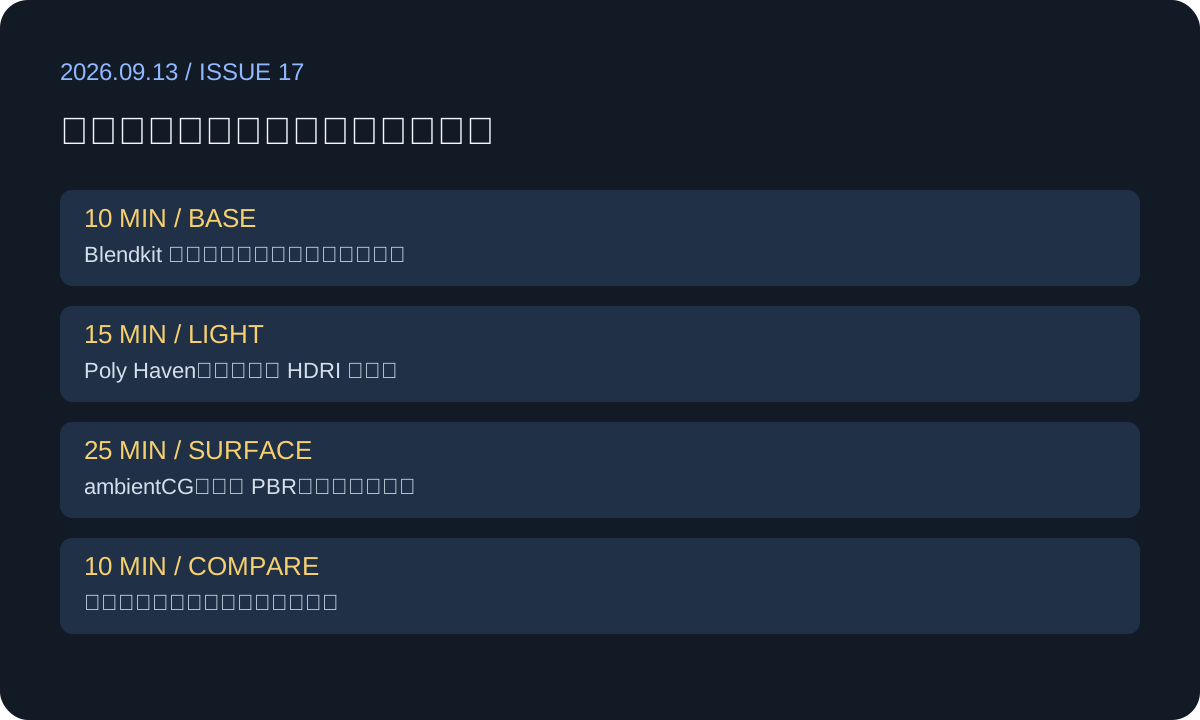
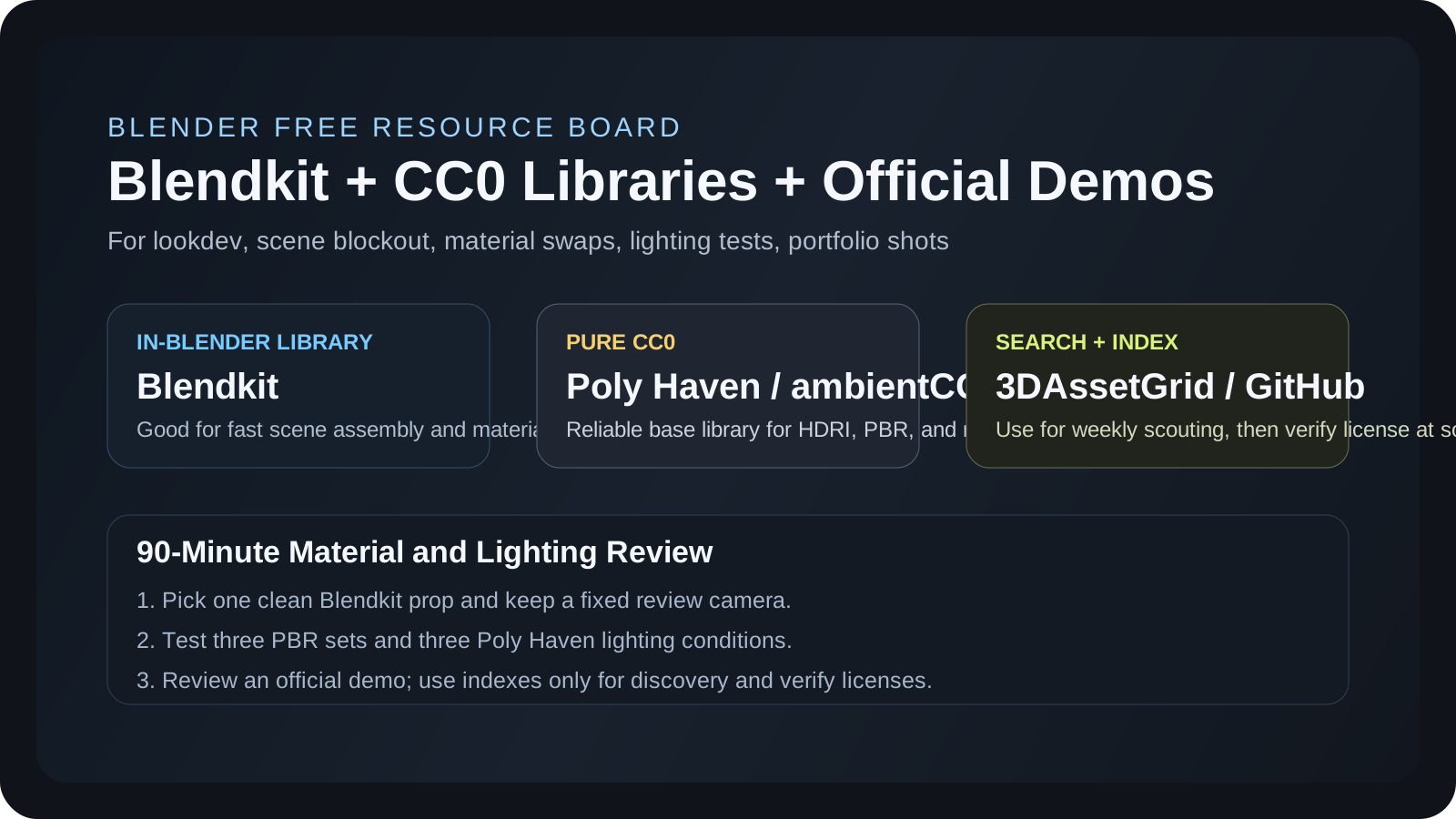
Blender 每周免费资源 09|Blendkit、CC0 灯光材质与官方 Demo 拆解

2026-07-19 更新。本模块只写 Blender 免费资源。本周把同一套可靠入口换成“材质与灯光审查板”练习:用 Blendkit(原 BlenderKit)找一个占位模型,Poly Haven 与 ambientCG 补 HDRI / PBR,ShareTextures 做表面变化,再用官方 Demo、awesome-cc0 和 3DAssetGrid 复核工程组织与候选来源。

阅读完整图文资源链接清单查看往期 3D 资源

本周做一张可复用审查板:先定模型,再统一 PBR,最后检查三种灯光

先在 Blendkit 里找箱体、路灯或街道道具做 blockout;用 Poly Haven HDRI 定夜景主光,ambientCG 与 ShareTextures 补湿地、砖墙、金属。完成一张图后,再去 Blender 官方 Demo Files 看 Collection、节点和镜头组织。索引站只负责发现,授权仍回原始页面核对。

7本期资源入口
4明确 CC0 / 可商用优先
1官方 Demo Files
2索引 / 检索入口
Blendkit(原 BlenderKit)

站内检索适合快速搭骨架;CC0 与 Royalty Free 都可进入商业成品,但不能把 Royalty Free 模型原样或修改后当模型转售。

Poly Haven + ambientCG + ShareTextures

三者都是明确 CC0 / 可商用优先的底库,适合 HDRI、PBR、自然材质和道具展示。

Demo Files + awesome-cc0 + 3DAssetGrid

官方工程用于学习组织方式,索引站只负责发现资源;商业项目必须回源确认许可。

Full Article

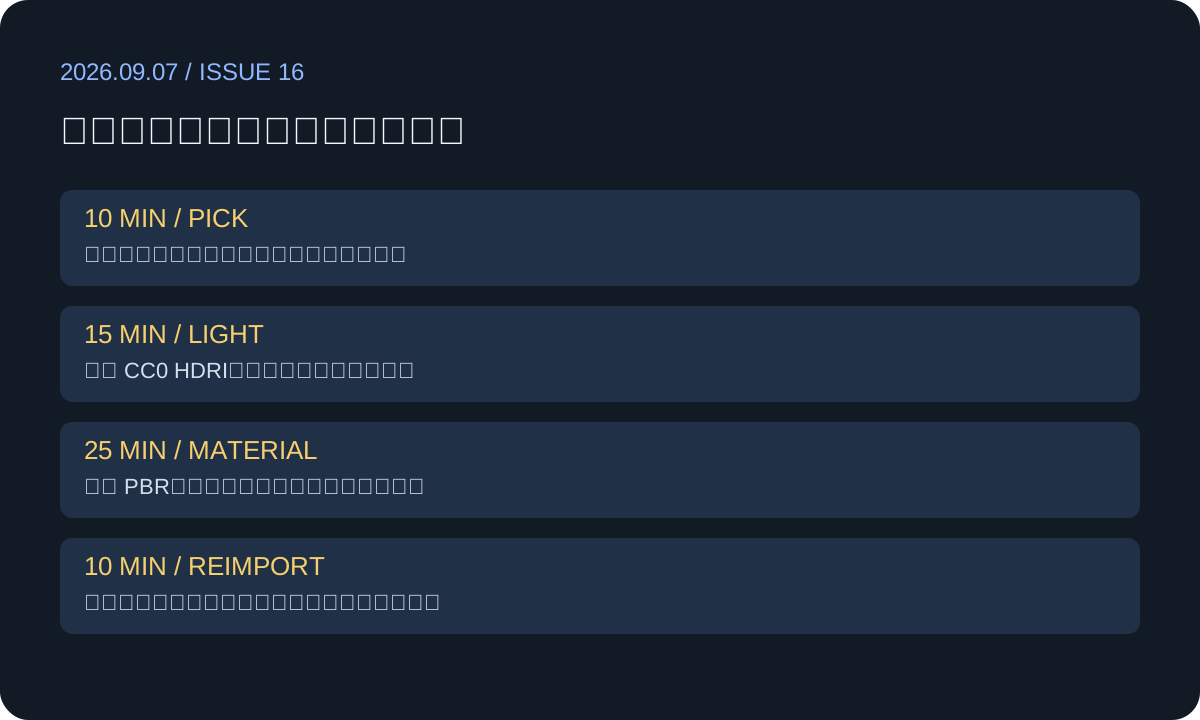
完整图文:90 分钟 Blender 免费资源 lookdev 练习

回到摘要
0120 分钟占位

用 Blendkit 或 3DAssetGrid 找 5 个以内的模型候选,只确定比例与构图。

0225 分钟定光

从 Poly Haven 选 1 个 HDRI;灯光不稳定时再加一盏 Area Light,不堆灯。

0335 分钟换材质

ambientCG / ShareTextures 各取少量 PBR,优先处理地面、墙与 hero prop。

0410 分钟复盘

对照官方 Demo 的 Collection、节点命名和镜头组织,记录下一次要复用的模板。

Blender 每周免费资源总览图
本周流程图:占位、定光、换材质、拆官方工程,控制在 90 分钟内完成。
In BlenderBlendKitmodel / material / HDRI
先定比例和构图,不在占位阶段精修资产。
CC0Poly HavenHDRI / texture / model
用一个 HDRI 固定方向,再处理关键材质。
OfficialDemo Filesscene / nodes / layout
复盘重点是工程组织,不是复制最终画面。
Asset Library

Blendkit(原 BlenderKit)

许可 / 商用:BlendKit 文档显示平台只有 CC0 和 Royalty Free 两类许可,下载内容可商用;Royalty Free 不允许把 3D 模型改后再作为模型转售。

适用场景:在 Blender 内快速抓模型、材质、HDRI 和场景草稿,适合 blockout、提案、临时替换和 lookdev 起步。

本周建议:只下载 5 个以内的街道 / 工业道具,先完成构图;最终交付前逐个保存资源许可信息。

Blendkit Licenses
CC0 Library

Poly Haven

许可 / 商用:Poly Haven 明确所有资源为 CC0,可用于任何目的,包括商业工作,无需注册和付费。

适用场景:HDRI 打光、写实材质、环境小物、角色展示转台和商品静帧。

本周建议:只取一个夜景 HDRI,分别测试 0°、90°、180° 三个方向,选能读清轮廓的一版。

Poly Haven FAQ
CC0 Library

ambientCG

许可 / 商用:ambientCG 明确所有资源以 Creative Commons CC0 发布,可商用、可修改、无需署名。

适用场景:PBR 材质、地面、墙面、粗糙度、法线和位移补充,尤其适合把临时模型变得更可展示。

本周建议:只选地面、墙、hero prop 三套材质;统一真实尺寸后再调 roughness。

ambientCG
CC0 Texture

ShareTextures

许可 / 商用:ShareTextures 页面说明其内容 copyright-free,可用于商业项目;正式项目仍建议打开单个资源页保存许可截图。

适用场景:补充砖、地面、木材、金属、岩石、墙面等 PBR 纹理,适合环境 lookdev 和游戏原型。

本周建议:只用它补一处破损或潮湿变化,不和 ambientCG 下载重复类别。

ShareTextures
Official Learning

Blender Demo Files

许可 / 商用:Blender 官方 Demo Files 页面可下载示例工程,不同 demo 有不同作者和许可;2026-06-19 更新的示例标注 CC-BY-SA 3.0,要求 Blender 5.2 LTS 或更新。

适用场景:学习官方节点组织、Collection 层级、镜头、灯光、资产拆分和复杂工程管理。

本周建议:打开一个与当前 Blender 版本匹配的 demo,只记录 Outliner、节点与镜头命名。

Blender Demo Files
GitHub Index

awesome-cc0

许可 / 商用:仓库本身是 CC0 资源索引,不统一托管文件;里面很多条目指向公共领域或 CC0 资源,仍需逐站复核。

适用场景:做长期收藏夹,把素材范围扩到模型、纹理、声音、游戏原型和公共领域图片。

本周建议:只打开 3D Models 与 Textures 两类,给下周练习存 3 个候选。

GitHub Repository
Search Index

3DAssetGrid Free Assets

许可 / 商用:3DAssetGrid 是资源发现入口,不是统一授权方;商业项目必须打开原始资源页确认 license、作者要求和再分发限制。

适用场景:快速寻找免费模型、材质、HDRI、扫描件和 Blender 练习素材,适合作为本周选题入口。

本周建议:用 alley、street prop、industrial 找候选,只保留能回到一手下载页且许可清楚的条目。

3DAssetGrid

Free 3D Resources

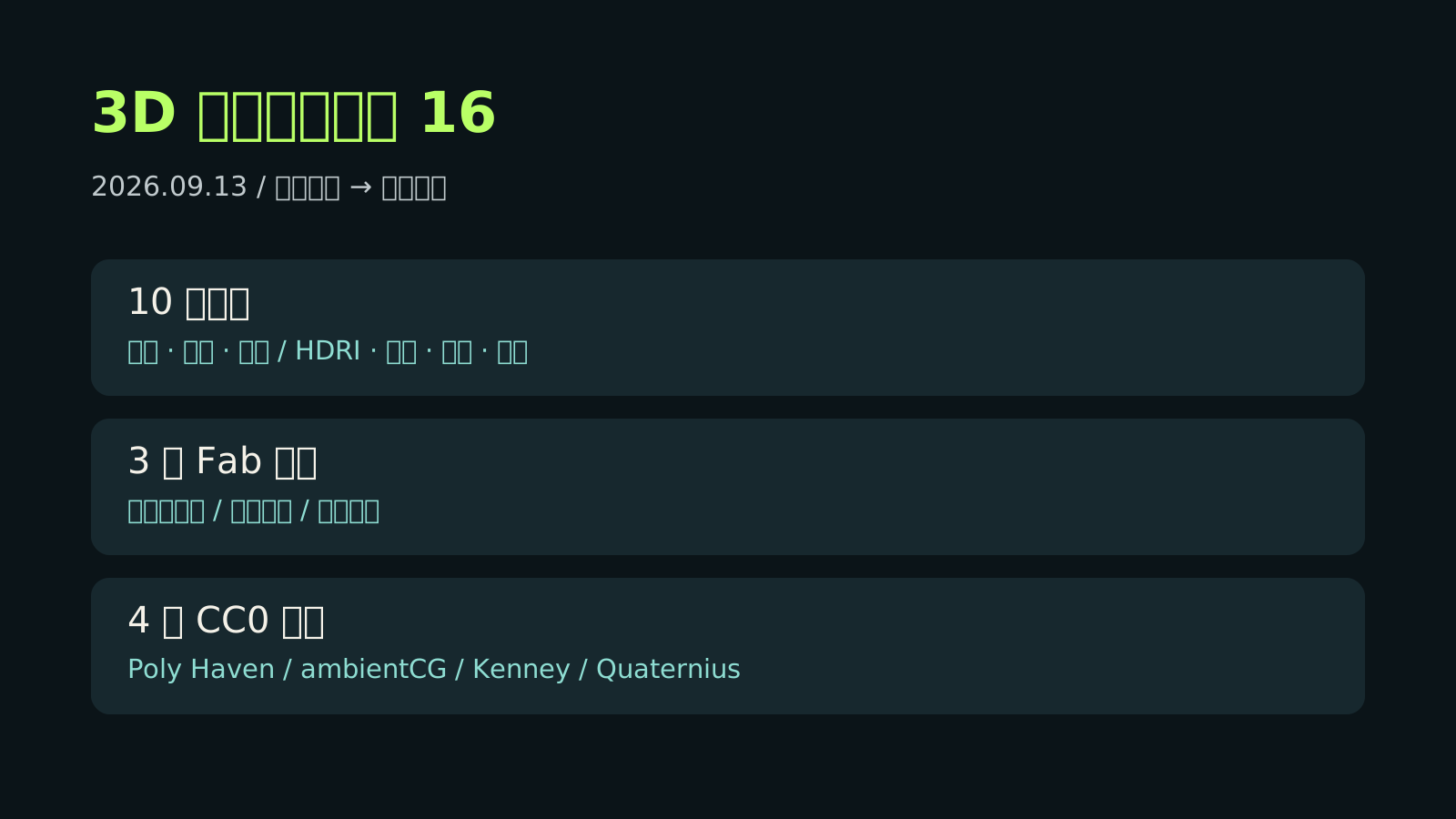
3D 免费资源周报 09|2026-07-13 - 2026-07-19

2026-07-19 更新。本期筛选 10 个当前可用资源:Fab 官方 Limited-Time Free 已轮换为 3 个新条目,截止 2026-07-28 09:59 AM ET;另收录本周更新的 CC0 Tree 电脑主机,以及 CC0 材质、HDRI、角色动画和原型素材入口。

阅读本周完整图文 跳到资源卡片 返回 Blender 免费资源

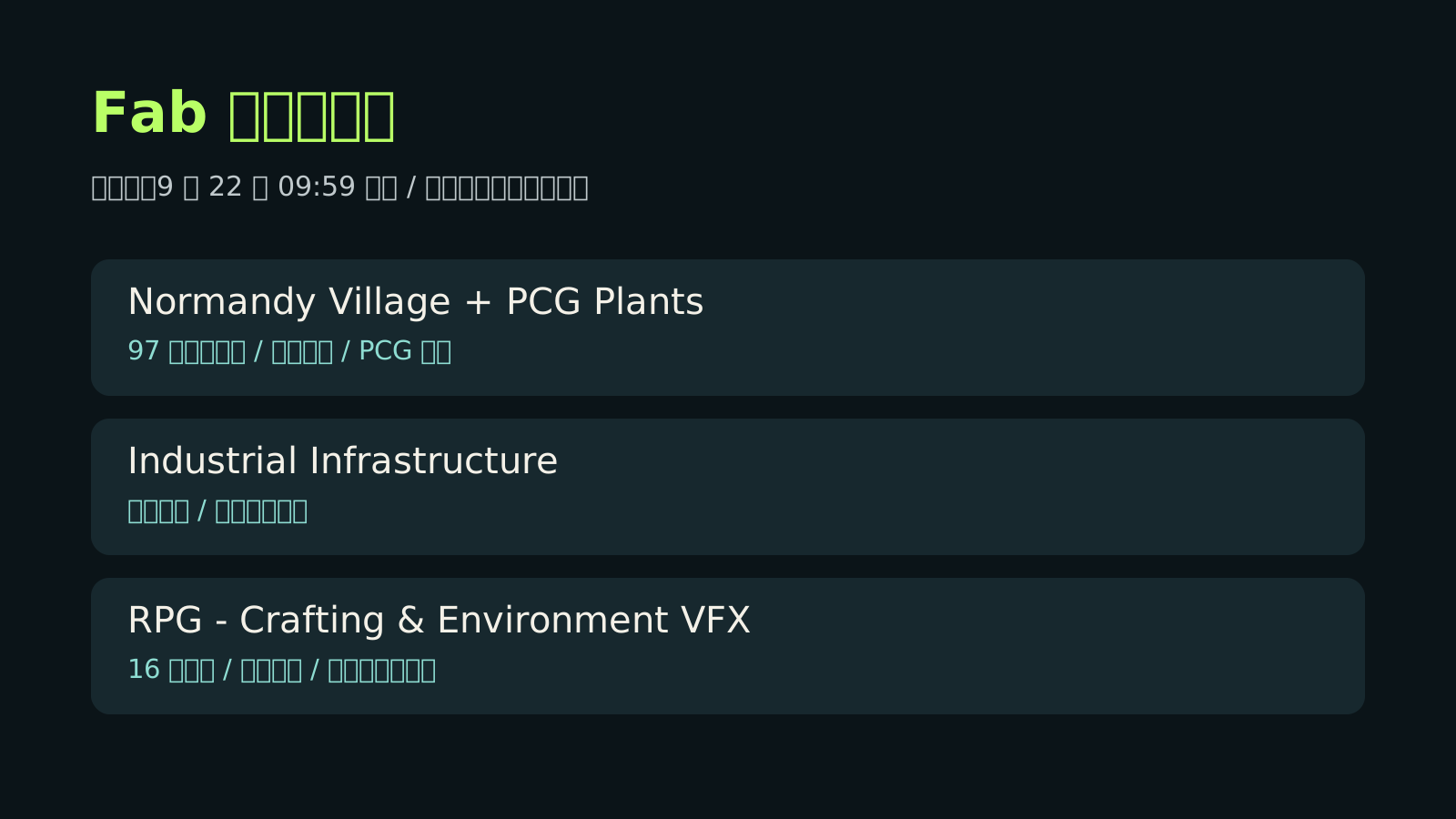
Fab 新一轮可领到 7 月 28 日:村庄、难度系统和树人正好组成一段小型 RPG 原型

截至 2026-07-19,Fab 官方页列出 Stylized Village、Ultimate Difficulty Scaling 和 Pack of tree ents。长期资源选择 Poly Haven、ambientCG、Kenney、Quaternius、Mixamo 与 awesome-cc0;本周新增 CC0 Tree 的低模 Computer Tower,重点做一段“进入村庄—遭遇树人—切换难度”的短原型。

10本期资源
3Fab / Unreal
5明确 CC0 资源
3图解图片
Fab 本轮是一套现成的“村庄 + 敌人 + 难度”组合

Stylized Village 负责完整环境,Pack of tree ents 带 4 个已绑定并有动画的树人,Ultimate Difficulty Scaling 可集中调节血量、伤害和资源掉落。

5 个明确 CC0 资源覆盖环境、角色、动画和道具

Poly Haven、ambientCG、Kenney、Quaternius 与 CC0 Tree 均提供明确 CC0 内容;awesome-cc0 是索引,实际使用仍需逐条回源核对。

Bruce 本周可尝试:20 秒“村口遭遇树人”可玩片段

用 Kenney 灰盒先搭战斗区,换入村庄和树人;Quaternius / Mixamo 补角色动作,UDS 做普通与困难两档,最后用 CC0 HDRI、地面材质和电脑主机布置任务屋。

展开完整图文 查看资源卡片

Full Article

完整图文:用本周免费资源拼出“村庄探索、树人战斗、动态难度”的 20 秒原型

回到摘要

本期按六类整理:引擎资产、模型、材质 / HDRI、动画、游戏原型素材、工具 / 索引。Fab 是时间敏感内容,以 2026-07-19 可读页面为准;如果打开时已经晚于 2026-07-28 09:59 AM ET,请以 Fab 官方限免入口的新批次为准,并在领取前手动确认价格、格式、支持引擎版本、AI 使用限制和 License Terms。

本周 3D 免费资源周报总览图
总览图:10 个资源覆盖 3 个 Fab 限免、5 个明确 CC0 内容、动画和工具索引。
Fab 限时免费资源图解
Fab 图解:本轮为风格化村庄、难度缩放工具和 4 个动画树人,领取前仍需人工确认 listing。
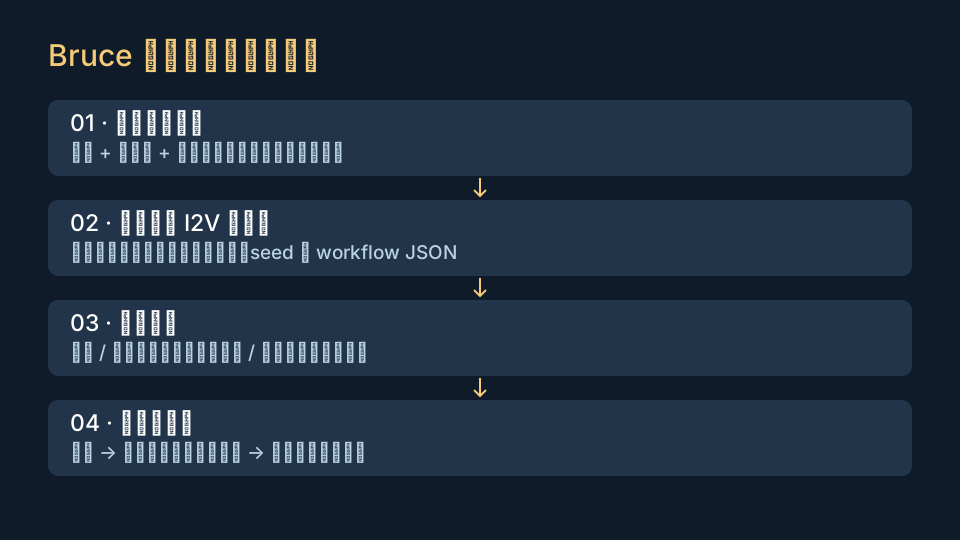
免费 3D 资源实践流程图
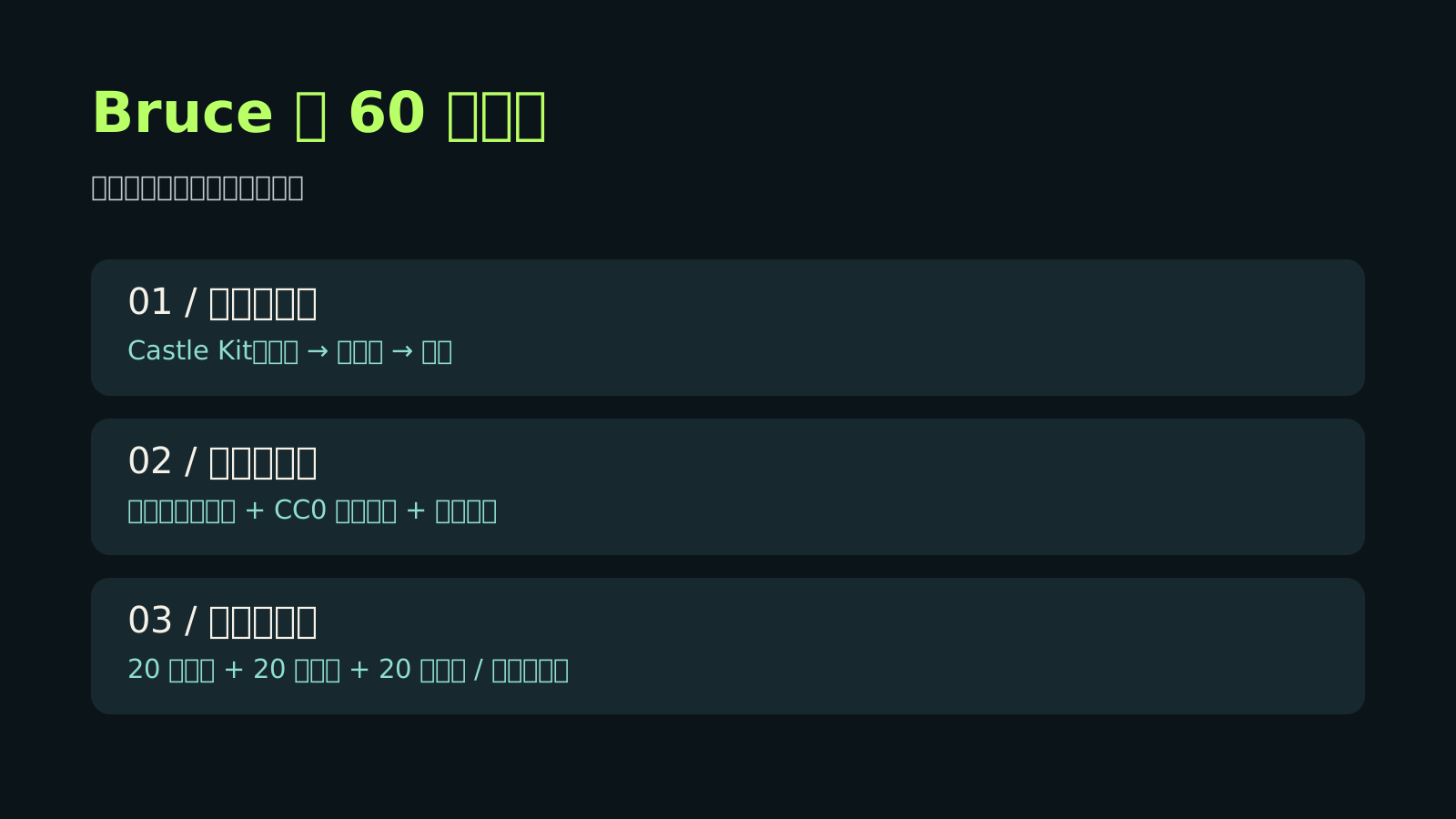
实践流程:先用 Kenney 灰盒验证,再换入村庄和树人,最后补动作、材质与两档难度。

1. Fab / Unreal:新一轮三件套,先领进资源库

Fab Limited-Time Free 在 2026-07-19 显示本轮截止 2026-07-28 09:59 AM ET,列出 Stylized Village、Ultimate Difficulty Scaling 和 Pack of tree ents。Unreal 官方免费内容页说明赞助免费内容每两周轮换;三条 listing 的实时价格和许可仍需人工确认。

2. CC0 底库:灯光、材质、灰盒、角色和道具

Poly Haven 与 ambientCG 提供 CC0 HDRI / PBR;Kenney Prototype Kit、Quaternius Universal Animation Library 2 和本周更新的 CC0 Tree Computer Tower 均明确可用于商业项目。本期共计 5 个明确 CC0 资源。

3. 模型和动画:CC0 Tree、Quaternius 与 Mixamo

CC0 Tree 在 7 月 16 日新增低模 Computer Tower,并提供 FBX 合集与源文件下载;Quaternius 的 Universal Animation Library 2 有 130+ 人形动作;Mixamo 适合快速自动绑定。Mixamo 不是 CC0,不要单独转售原始角色或动作。

4. Bruce 可尝试的实践方向

先用 Kenney Prototype Kit 搭村口战斗区,再换入 Stylized Village 和树人;用 Quaternius / Mixamo 配角色动作,以 UDS 做普通与困难两档;最后用 Poly Haven HDRI、ambientCG 地面和 CC0 Tree 电脑布置一间任务屋。

21 published Astrocade games
85 podcast episodes
500+ LinkedIn connections
2026 Portfolio refreshed

YouTube / zbrush2928

Tutorials, plug-in demos, and workflow analysis

A curated entry point for your YouTube channel: Maya tools, ZBrush/Maya/Blender tutorials, AI workflow tests, and long-form production series.

500+ YouTube videos
4 content categories
Open YouTube Channel

Library

Works, plug-ins, and technical notes

AI 3D 周报:可发布 splat、端到端角色动画与视频动捕

本期整理 SuperSplat 2.29、SplatTransform 3.0、SIGGRAPH 3DGS 虚拟制作、SCAIL-2、AIMoCap 与 FaceAnything,重点看 AI 3D 输出如何进入 Web、引擎、FBX 重定向和 4D 人脸跟踪流程。

阅读完整图文开源 / Demo 链接

Pipeline Notes

Maya plug-ins and technical products

01

TOPOLOGY LOOP TOOL

A Maya topology spacing tool that evens out selected loop lines while preserving the surface, useful for character and hard-surface cleanup.

02

Pipe UV Straightener

A one-click UV straightening utility for pipe-like assets, turning distorted tube UVs into cleaner grid layouts.

03

Easy Groom

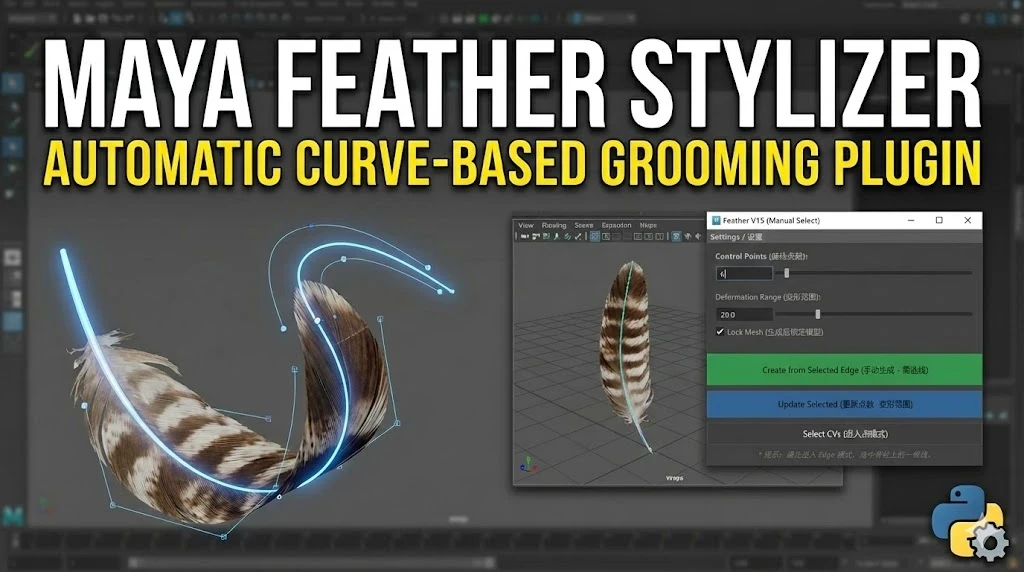
A Maya Python tool for feather and hair-card workflows, ideal for documenting game character grooming pipelines.

04

Maya Batch Rename Tool

A batch renaming utility for organizing Maya scene nodes and keeping production assets clean.

Paid Plug-in

Fix Uneven Topology in Seconds

ArtStation checkout

A Maya loop spacing tool for evening out selected topology lines while preserving the original surface shape.

USD $5 International ArtStation product page

English and French visitors can buy through ArtStation; Chinese visitors can buy through Xianyu and receive the Baidu Netdisk link after payment.

Fix Uneven Topology in Seconds product preview
Language-based purchase link English and French use ArtStation. Chinese uses Xianyu, with Baidu Netdisk delivery after payment.

Paid Plug-in

Easy Groom: Feather & Hair Card Tool for Maya

ArtStation checkout

A Maya Python script for feather and hair-card styling. English visitors buy through ArtStation; Chinese visitors can switch language for Xianyu.

USD $5 International ArtStation product page

English and French visitors can buy through ArtStation; Chinese visitors can buy through Xianyu and receive the Baidu Netdisk link after payment.

Easy Groom Feather and Hair Card Tool product preview
Language-based purchase link English and French use ArtStation. Chinese uses Xianyu, with Baidu Netdisk delivery after payment.

Paid Plug-in

Maya UV Straightening Plugin

ArtStation checkout

Turn tube-like UV shells into clean rectangular grids in one click for pipes, cables, cloth strips, and hard-surface assets.

USD $5 International ArtStation product page

English and French visitors can buy through ArtStation; Chinese visitors can buy through Xianyu and receive the Baidu Netdisk link after payment.

Maya UV Straightening Plugin product preview
Language-based purchase link English and French use ArtStation. Chinese uses Xianyu, with Baidu Netdisk delivery after payment.

Paid Plug-in

Maya Batch Rename Tool

ArtStation checkout

A compact Maya utility for batch renaming scene nodes with prefixes, suffixes, numbering, and keyword cleanup.

USD $5 International ArtStation product page

English and French visitors can buy through ArtStation; Chinese visitors can buy through Xianyu and receive the Baidu Netdisk link after payment.

Maya Batch Rename Tool product preview
Language-based purchase link English and French use ArtStation. Chinese uses Xianyu, with Baidu Netdisk delivery after payment.

Free Resource Library

Personal resource sharing

A curated area for original or clearly authorized free files. Resources from Baidu Netdisk will be sorted here only after copyright checks.

Sharing rule

Only original files, self-made examples, public-domain materials, or resources with clear redistribution permission will be published.

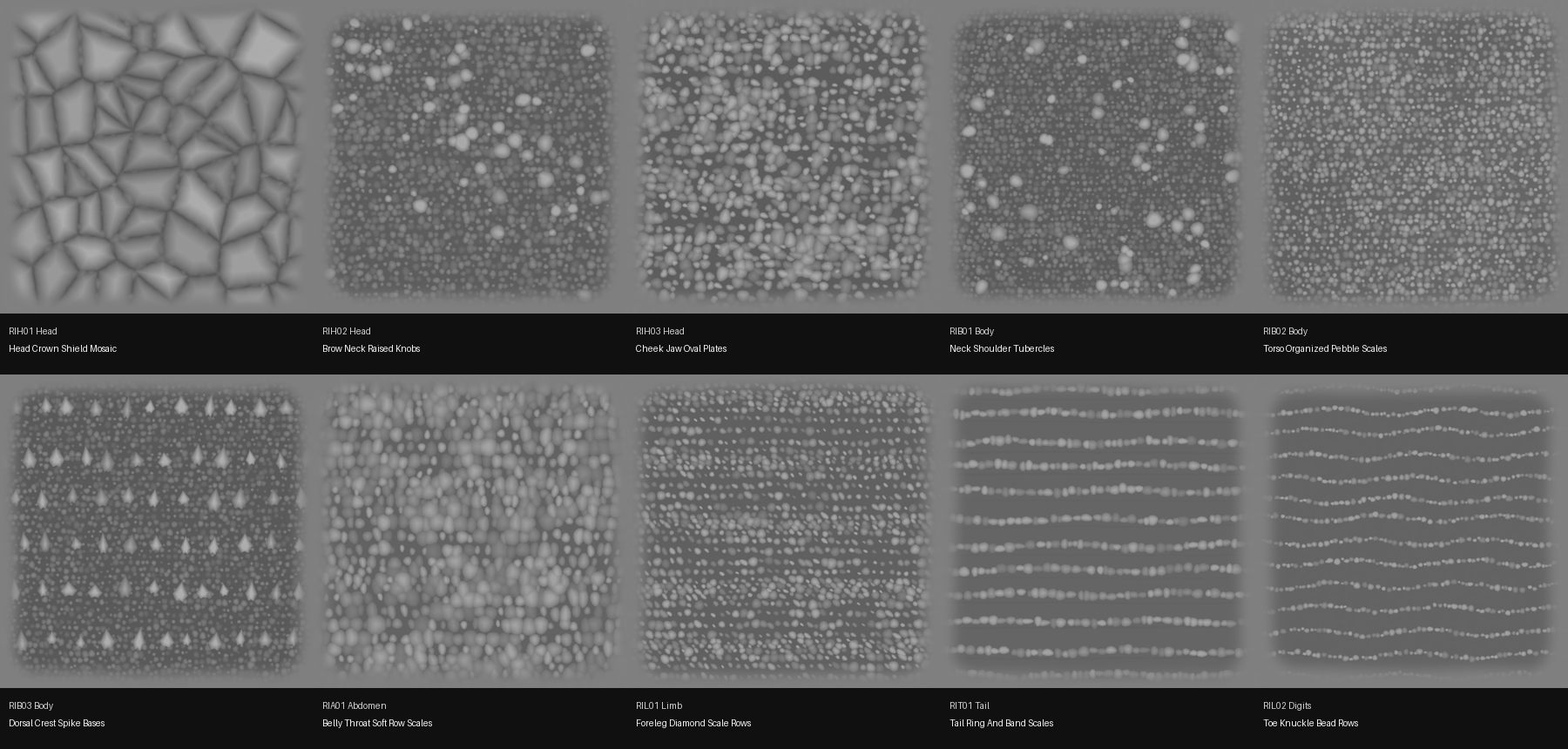
I recently built a red iguana skin alpha pack for ZBrush, and it is now free to download.

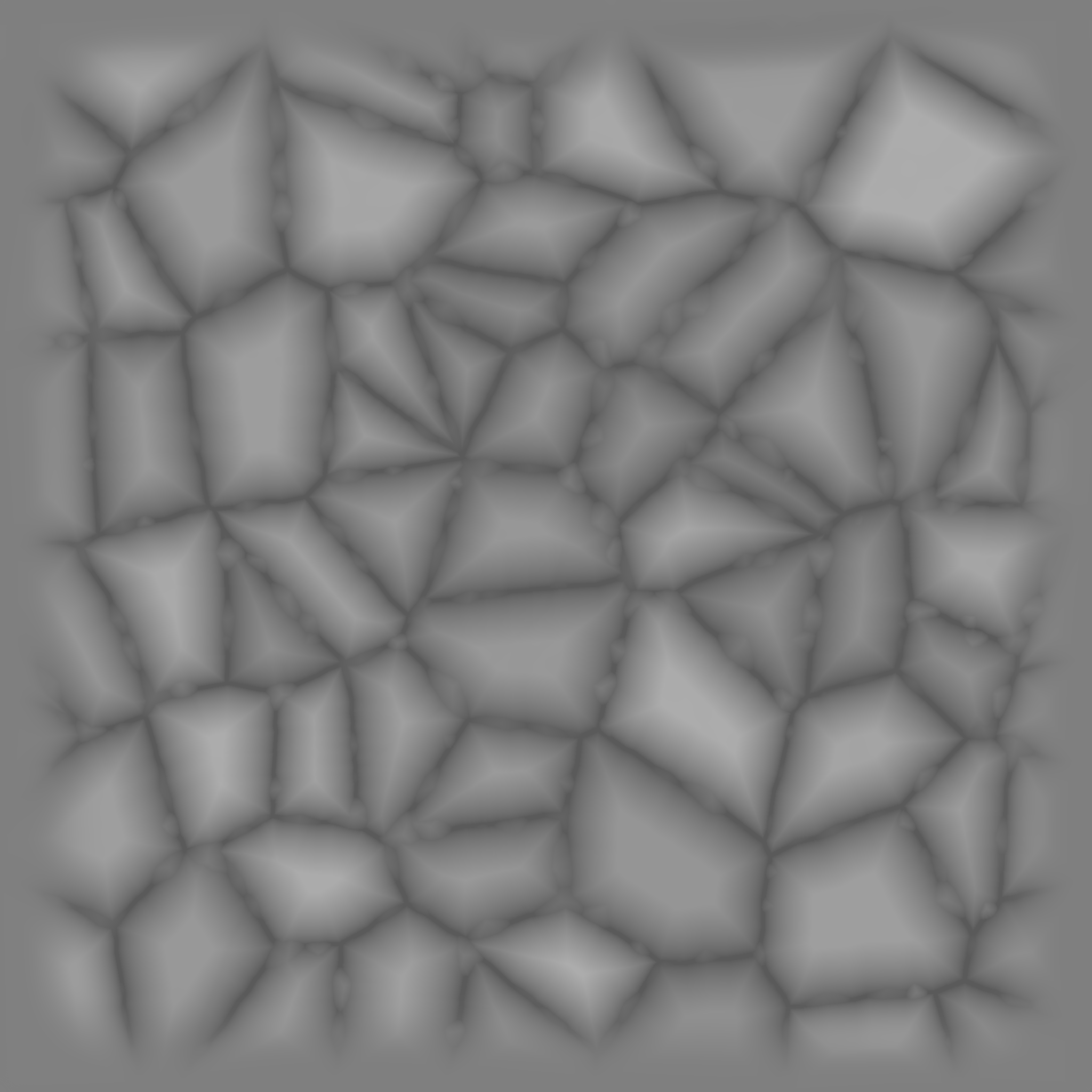
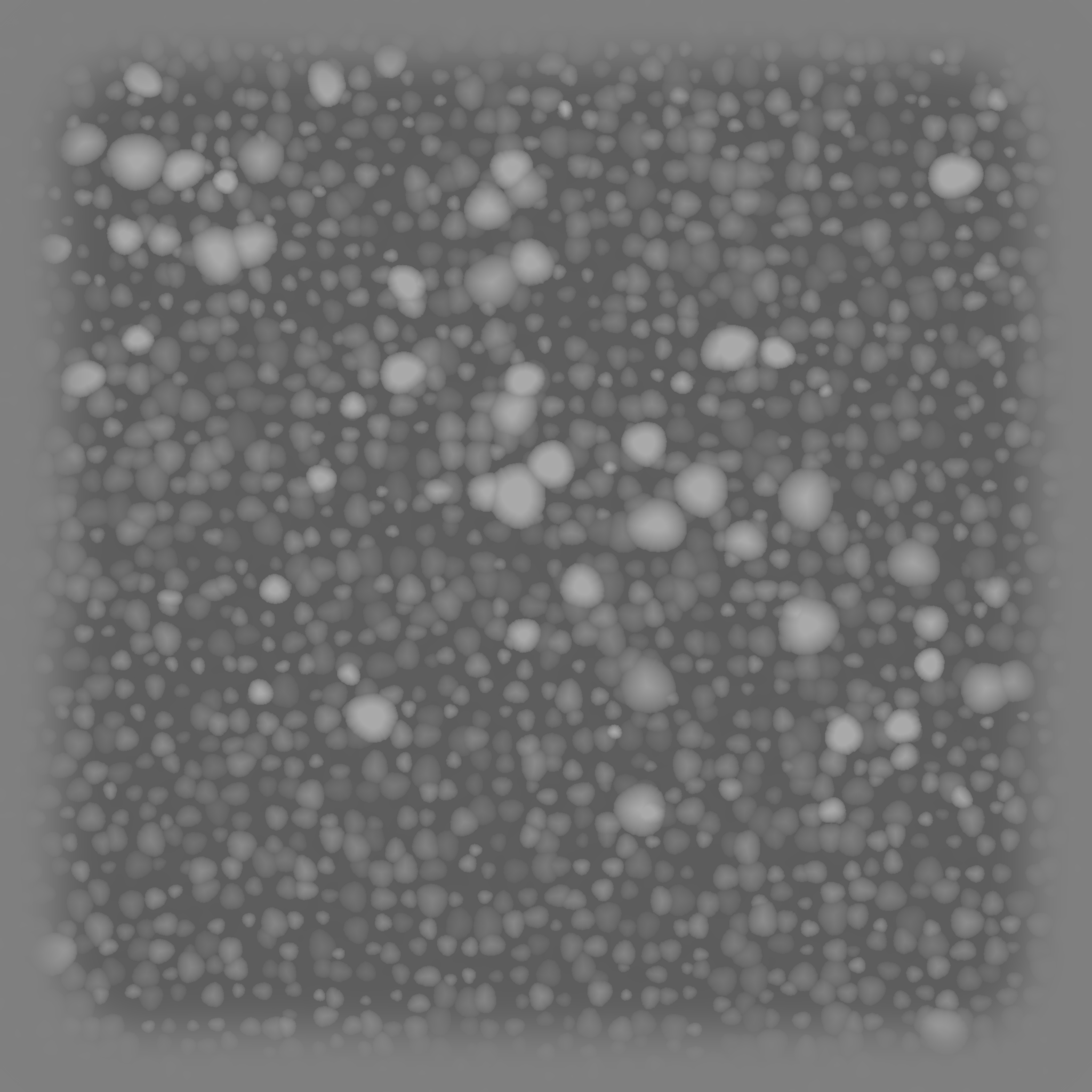
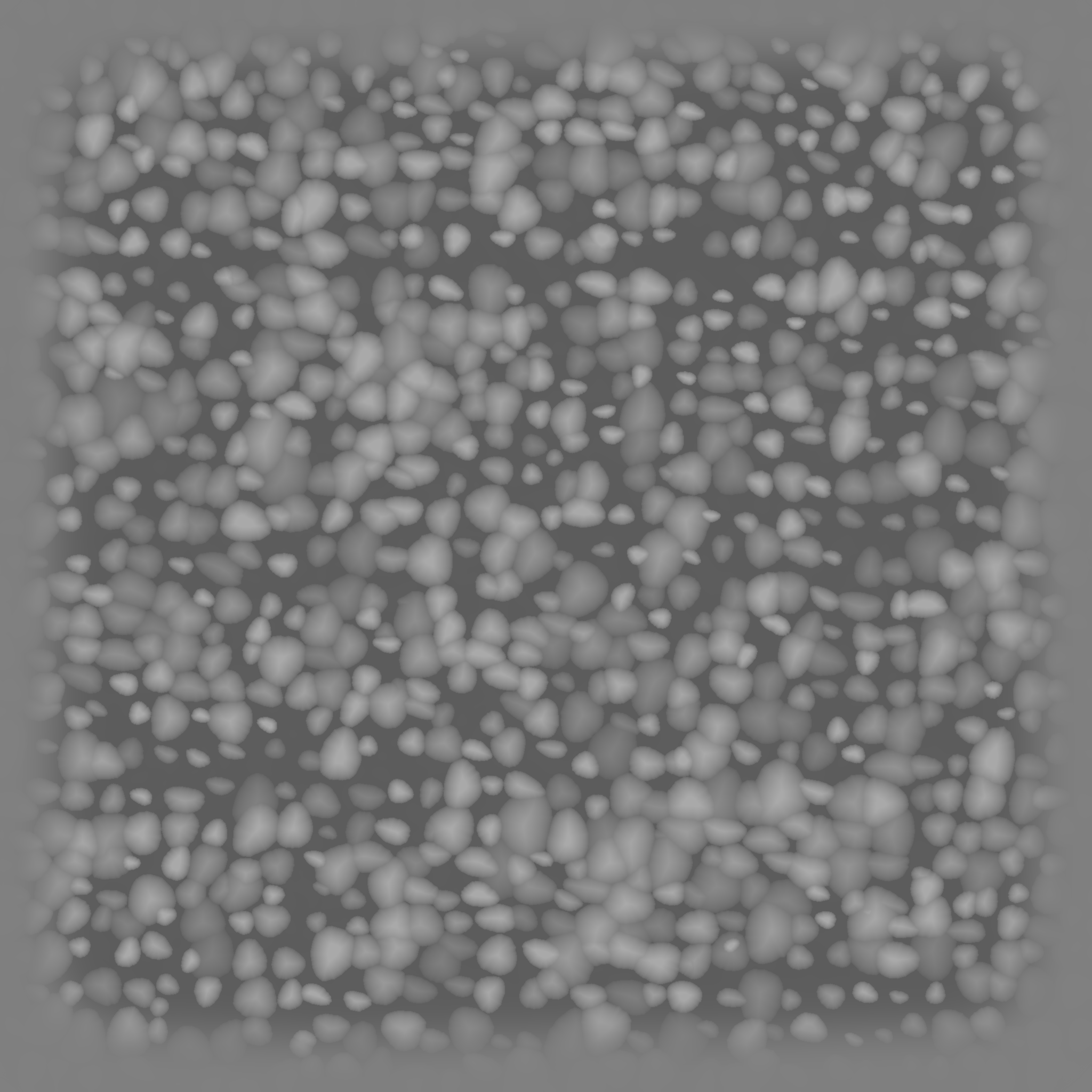
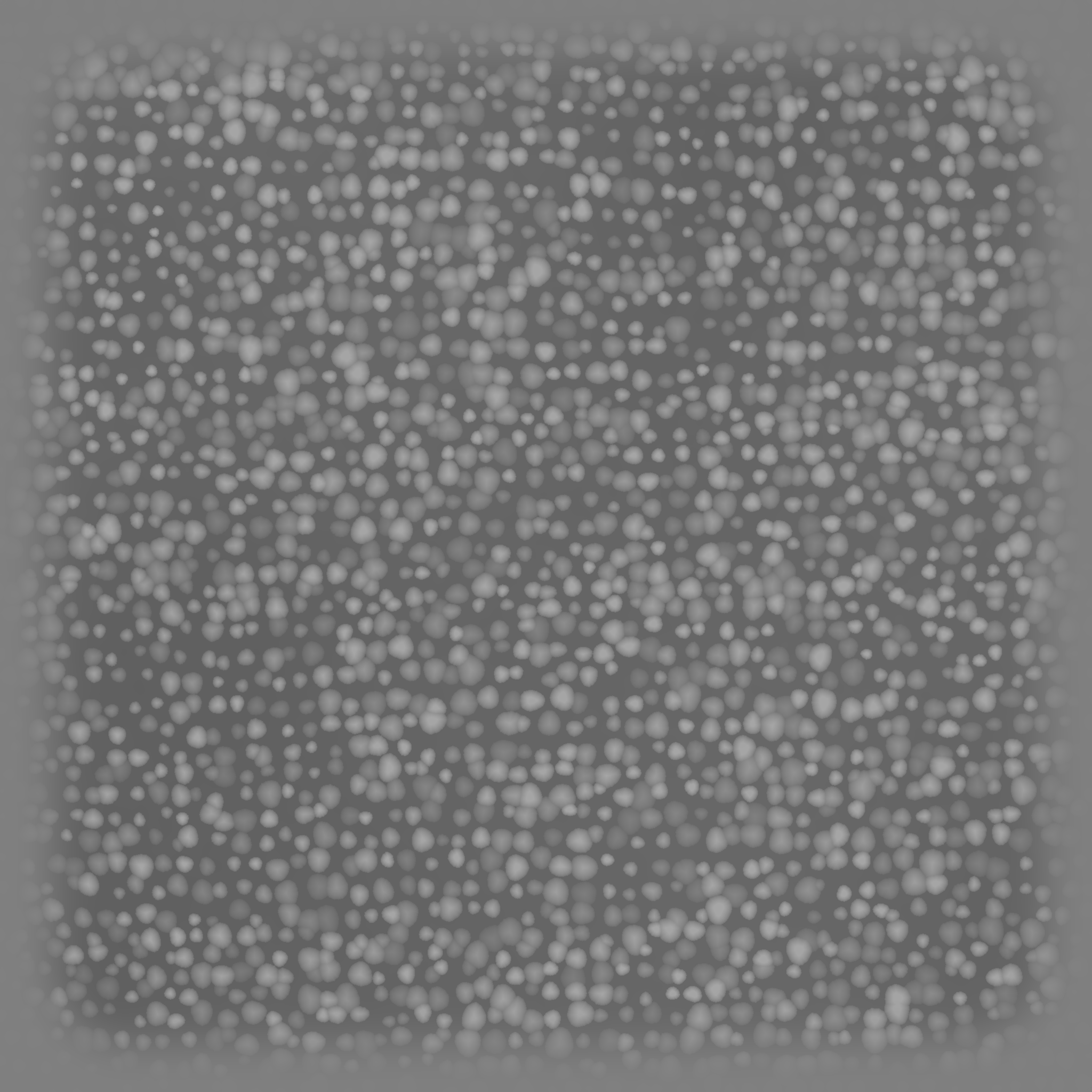
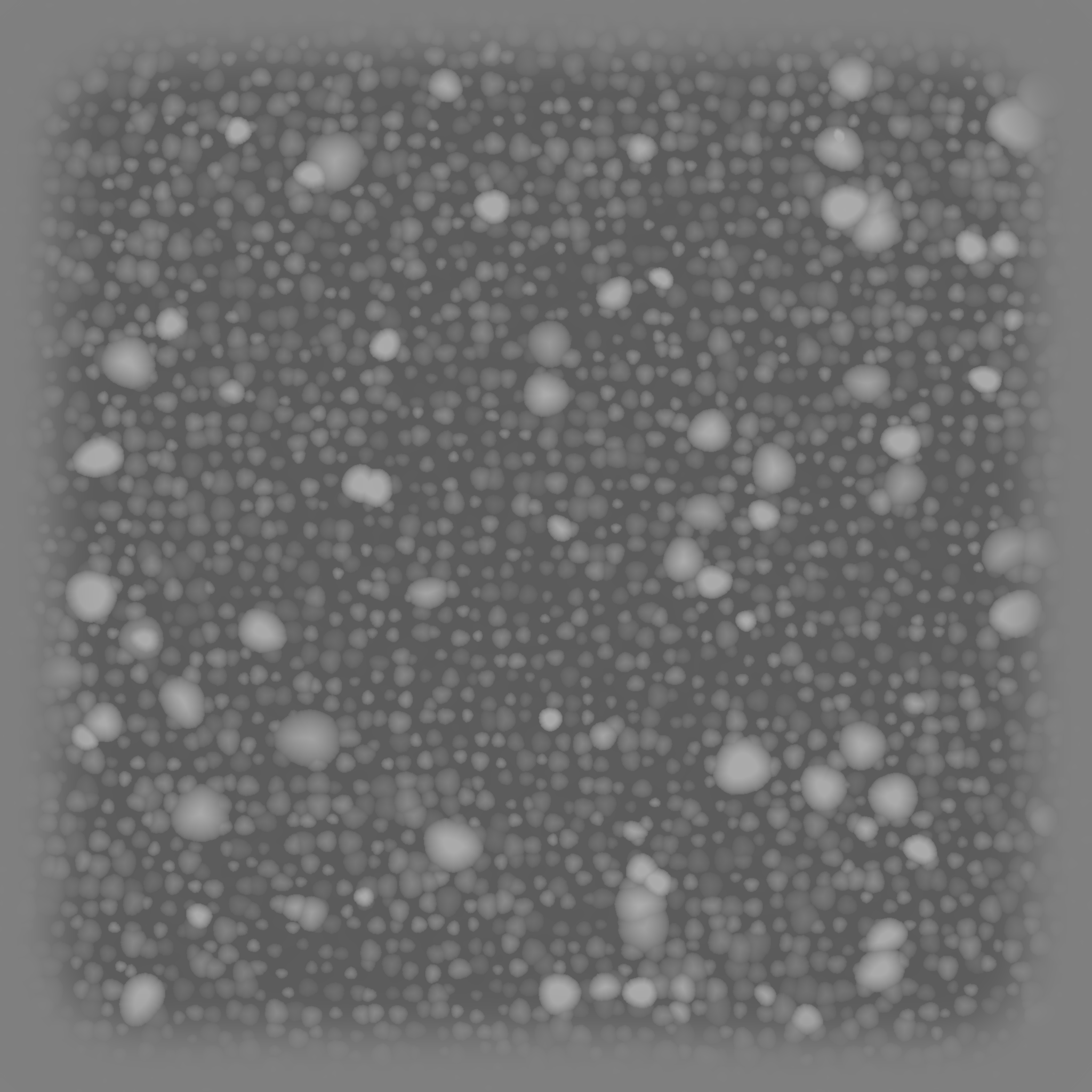
This alpha set is organized by anatomical region: side body, head, dorsal crest, belly, forelimb, and tail. I built the grayscale height information to feel sculpt-friendly, with a mid-gray base, soft patches, darker grooves, and brighter scale crowns instead of a harsh black-and-white stamp look.

View all previews Baidu download
3 head alphas

Crown shields, brow and neck knobs, plus cheek and jaw plate patterns.

3 body alphas

Neck and shoulder tubercles, dense torso pebble scales, and dorsal crest bases.

4 belly / limb / tail alphas

Soft belly rows, foreleg diamonds, tail bands, and toe knuckle bead rows.

Free ZBrush Alpha

Red Iguana Skin Alpha Pack: 10 free files organized by anatomical region

Back to resource sharing

This pack is a set of original ZBrush alphas based on red iguana skin structure. It is not cut out from paid reference sheets. I rebuilt the surface language into sculptable grayscale height maps, so the files are useful for creatures, reptiles, dragons, monster skin studies, detail practice, and sculpt breakdown presentations.

Download the full pack Code: qnbm
Red iguana anatomy alpha contact sheet
Overview sheet: 10 red iguana skin alphas covering head, torso, belly, limbs, tail, and toe joints.

Why split them by anatomical region?

Red iguana skin is not one repeating pattern. The head has broad shields and dark knobs, the torso carries dense rounded scales, the dorsal line has crest bases, the belly is softer and more directional, and the limbs and tail each need their own scale flow.

ZBrush usage notes

Import the TIFFs through `Alpha > Import`. They work well with both Standard Brush and Layer Brush. Use lower Z Intensity for micro scales; push it higher for knobs, crown plates, and crest bases. If the whole surface lifts too much, set `Alpha MidValue` closer to `50`.

Head crown shield mosaic alpha preview
RIH01 Head crown shield mosaic
Brow neck raised knobs alpha preview
RIH02 Brow and neck raised knobs
Cheek jaw oval plates alpha preview
RIH03 Cheek and jaw oval plates
Neck shoulder tubercles alpha preview
RIB01 Neck and shoulder tubercles
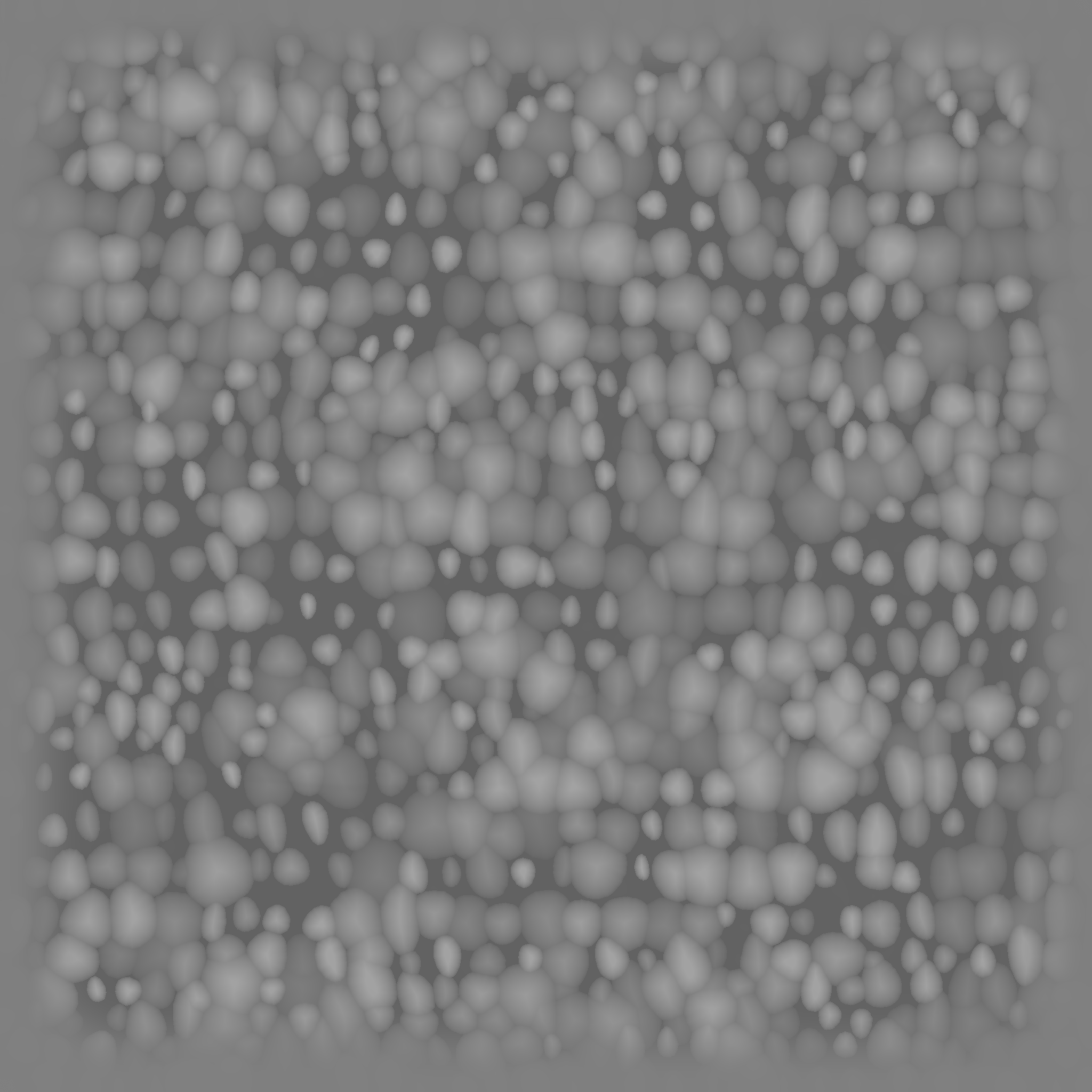
Torso organized pebble scales alpha preview
RIB02 Organized torso pebble scales
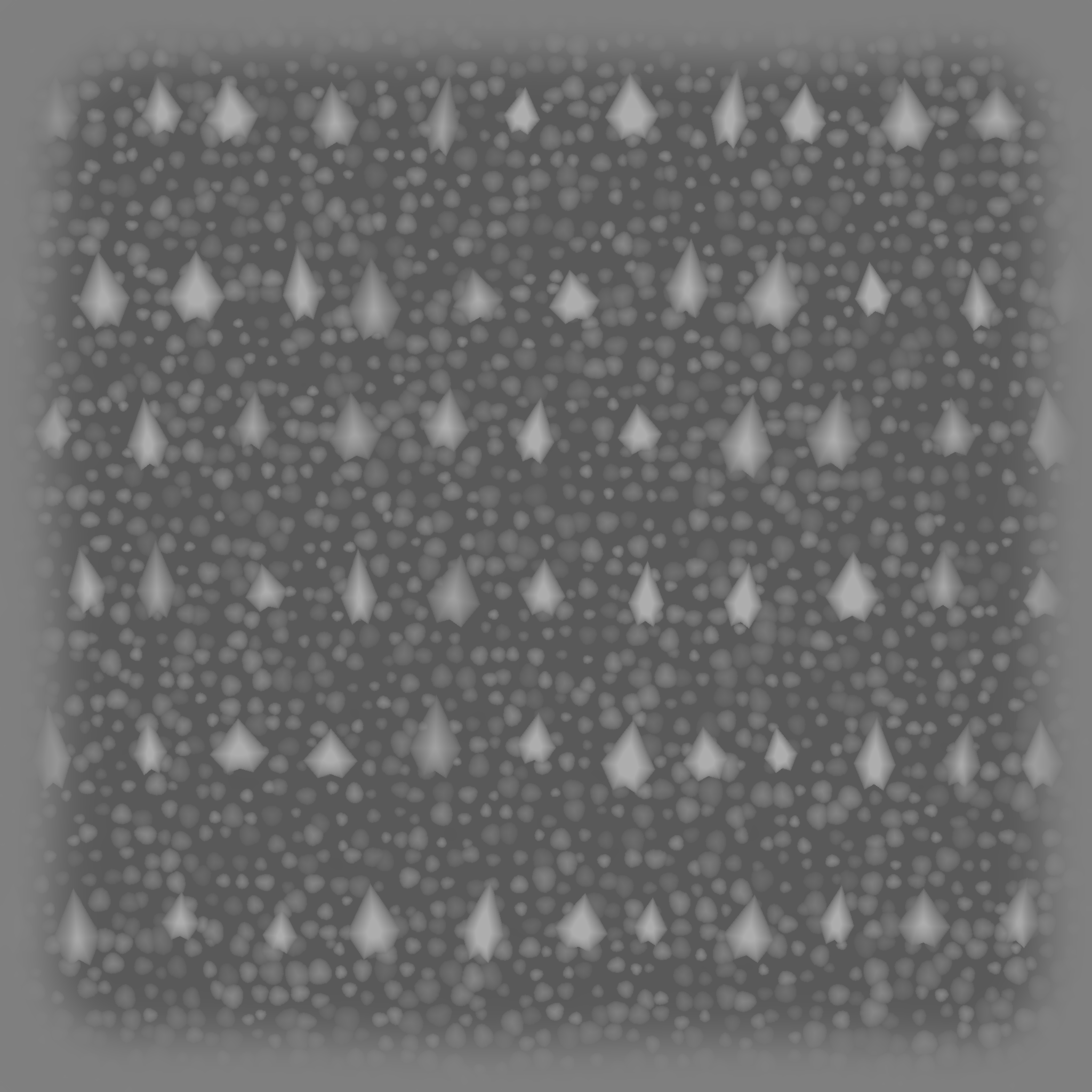
Dorsal crest spike bases alpha preview
RIB03 Dorsal crest spike bases
Belly throat soft row scales alpha preview
RIA01 Belly and throat soft row scales
Foreleg diamond scale rows alpha preview
RIL01 Foreleg diamond scale rows
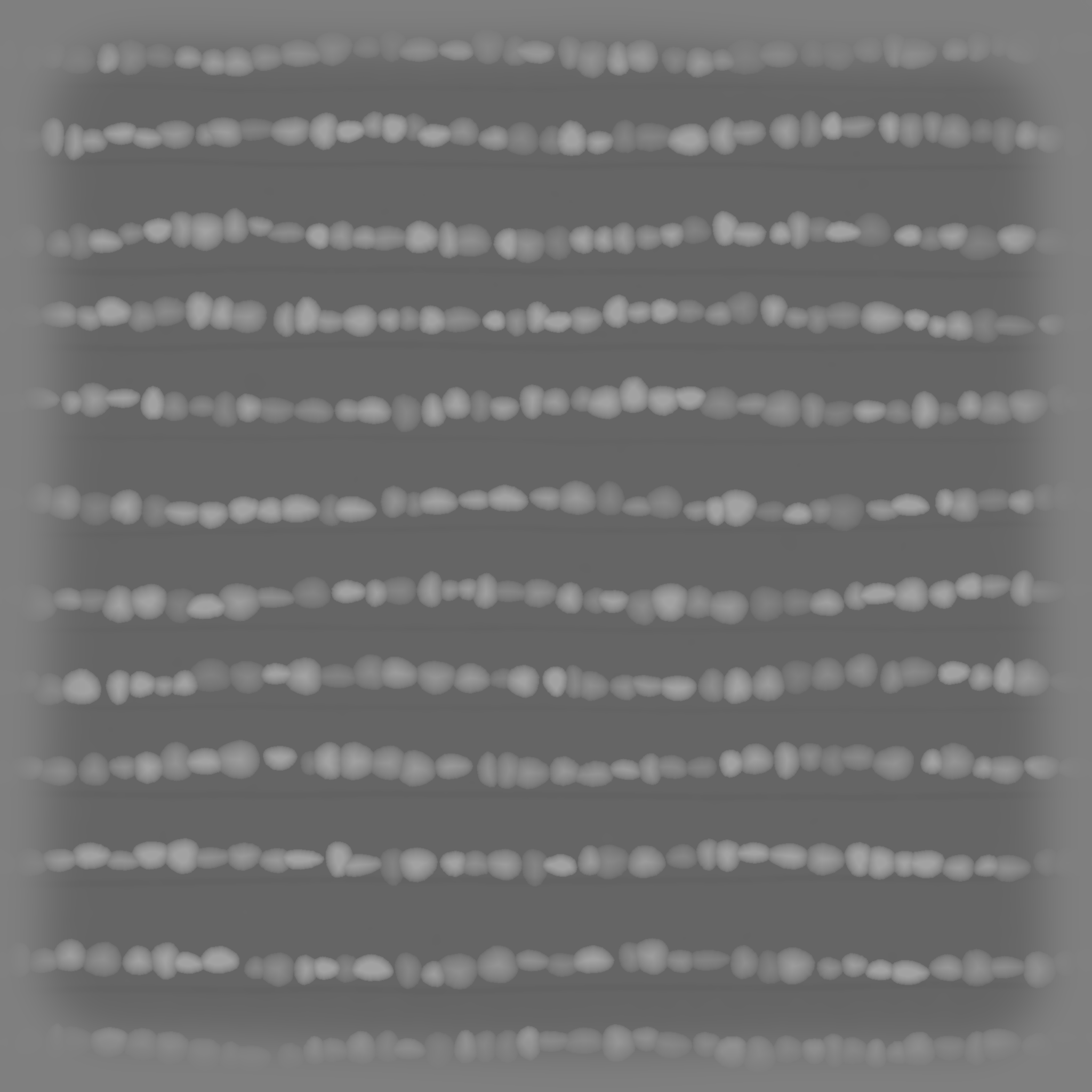
Tail ring and band scales alpha preview
RIT01 Tail ring and band scales
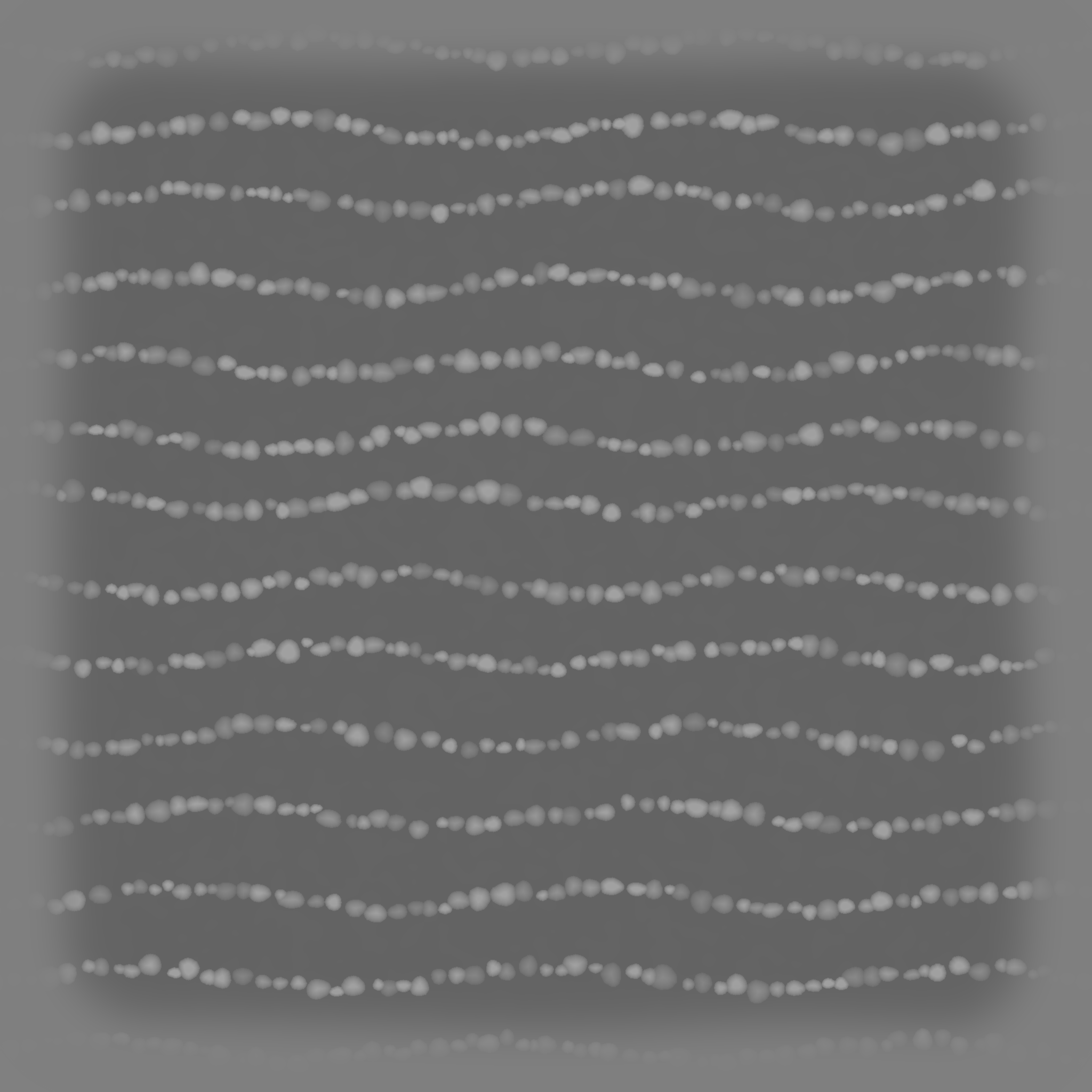
Toe knuckle bead rows alpha preview
RIL02 Toe knuckle bead rows
Safe candidate

Maya scripts and mini tools

Free utility scripts, small workflow tools, install notes, and demo files made by Bruce.

  • Python / MEL snippets
  • Scene cleanup helpers
  • Tool documentation PDFs
View details
Needs ownership check

ZBrush practice files

Brush tests, sculpting notes, practice meshes, and class demo fragments that are fully original.

  • Practice ZTL / OBJ files
  • Sculpting process notes
  • Personal study examples
View details
Safe candidate

Pipeline notes and checklists

Free text-based production checklists for topology, UVs, hair cards, naming, and handoff.

  • Topology checklist
  • UV / texture handoff notes
  • Naming convention templates
View details
01

Maya scripts and tools

Original free Maya scripts, setup notes, and example scene files.

Free Maya script pack

For small Python / MEL helpers that can be freely shared after source confirmation.

Original / shareable Baidu link pending
Link pending
Tool install notes

PDF or text notes explaining installation, usage, and Maya version compatibility.

Original / shareable Baidu link pending
Link pending
02

ZBrush learning files

Practice models, sculpting notes, and self-made classroom demo fragments.

Practice model files

ZTL / OBJ practice assets that are fully created by you and safe to redistribute.

Ownership check first Baidu link pending
Link pending
Sculpting process notes

Markdown, PDF, or image notes summarizing blocking, detailing, and presentation steps.

Original / shareable Baidu link pending
Link pending
03

Pipeline notes and checklists

Text resources are usually safest to share when written by you.

Production checklists

Topology, UV, texture, naming, hair-card, and delivery checklists.

Original / shareable Baidu link pending
Link pending
Naming templates

Scene naming templates, folder structures, and handoff naming examples.

Original / shareable Baidu link pending
Link pending

Community Submissions

Community free resource links

This area is for visitor-submitted public links only. Files are not hosted here, and every submission should include license information.

01

Links only, no file hosting

The site points to original public pages and does not re-upload models, textures, courses, installers, or archives.

02

License must be visible

Submissions should include the original author, source page, license, and whether commercial use is allowed.

03

Review and takedown first

Questionable links stay unpublished. Rights holders can request removal and the link will be taken down promptly.

Submit a public link

Visitor submissions are not Bruce's own resource releases and do not imply endorsement of the linked files.

Professional Profile

Senior 3D Character Artist in Montreal

Realistic character assets, ZBrush sculpting, real-time hair and hair cards, Unreal Engine production, and collaboration with animation and technical art teams.

ZBrush Unreal Engine Substance Painter Real-time Hair Maya Python Game Production

Game Projects

Game projects and production experience

Twenty-one published Astrocade games first, followed by portfolio R&D and production notes.

Selected ArtStation Work

Selected work

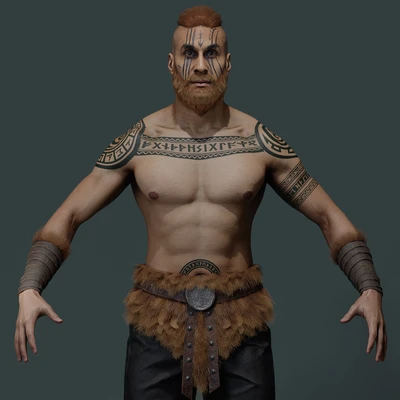
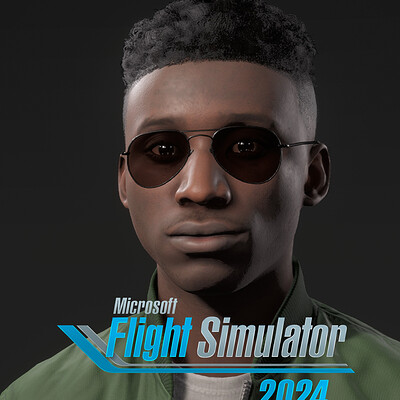
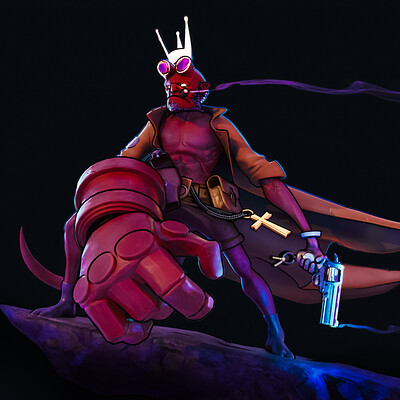
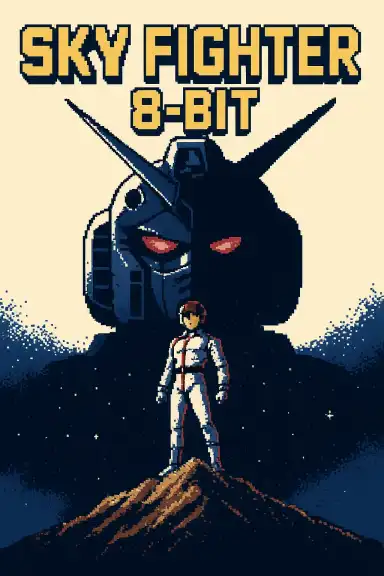
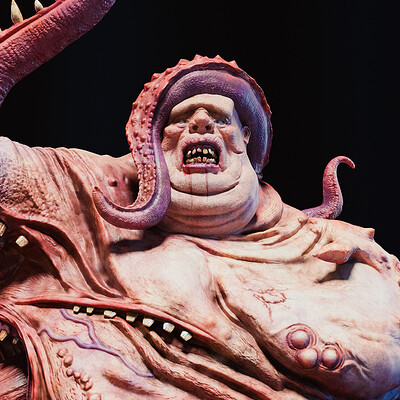
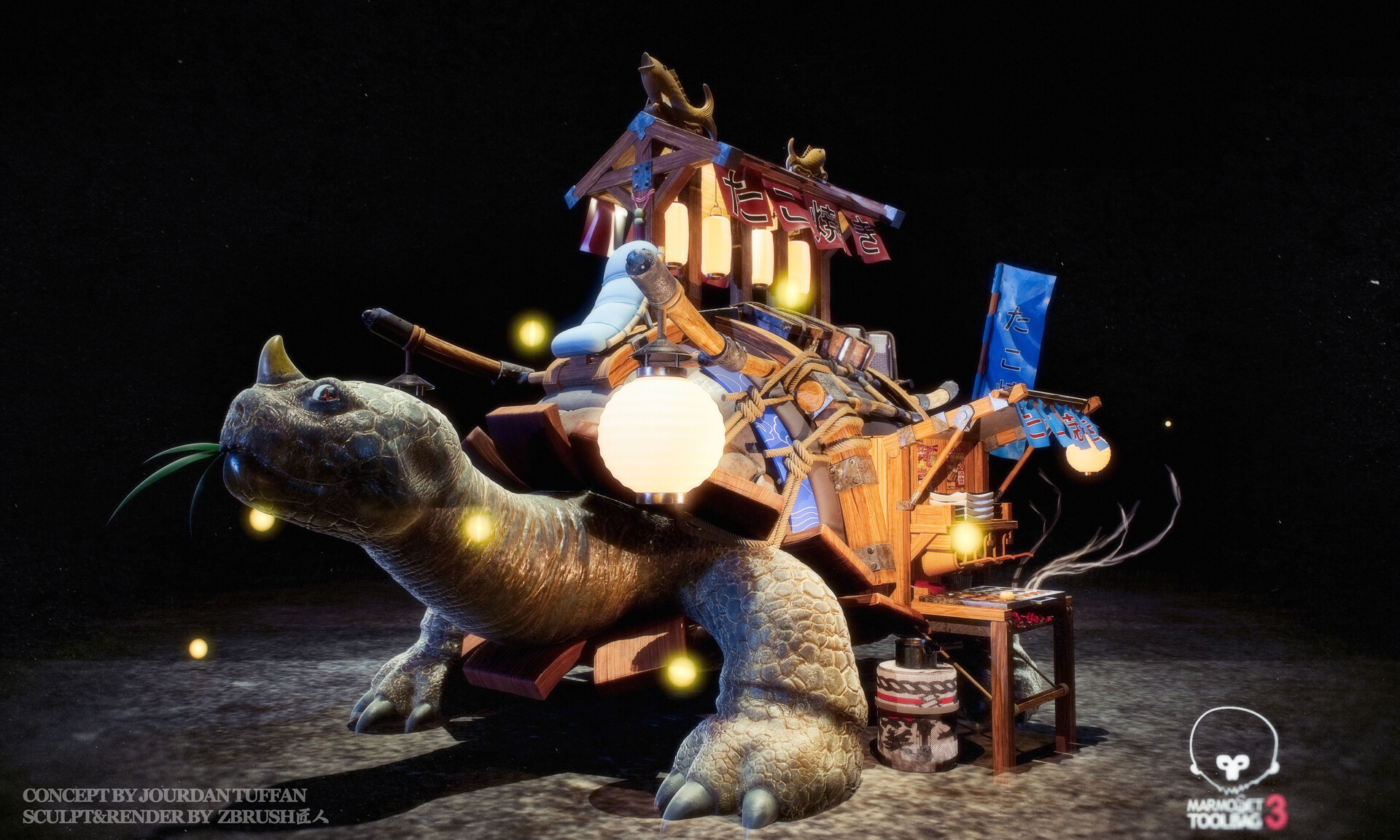
Viking warrior Microsoft Flight Simulator 2024 character hair and outfit The Others - seven sins

Character Art / Hair / Outfit / Creature

A focused portfolio for character presentation and production breakdowns

Cards now open full case-study views with large project images, notes, software tags, and original source links.

Open ArtStation
Modelers' Stories podcast cover

Podcast / Apple Podcasts / NetEase Cloud Music / Ximalaya

Modelers' Stories

A long-running Chinese podcast about 3D art, game production, creative industries, AI, culture, and working across countries.

85 episodes
2019-2026 years active

Contact

A dedicated home for ArtStation work, tools, games, and production notes

This site now connects portfolio pieces, personal games, videos, podcast episodes, and external professional profiles.

Course Store

Online course products

Chinese long-form class packages with recorded lessons, case files, reference packs, and Baidu Netdisk delivery after purchase.

Paid Course

zbrush匠人 Online Course Phase 02

Xianyu delivery

A longer course package with week-by-week case recordings, case files, weapon references, and class opening material.

¥39.9 Chinese course package. Baidu Netdisk link is sent after purchase.

Netdisk links are not public on the website. Buyers receive the download information after payment.

zbrush匠人 online course phase 02 product preview
Course case preview Class case render and course package preview.

Community Wall

Guest notes and suggestions

Leave a quick idea for future tutorials, plug-ins, workflow notes, or portfolio breakdowns.

Notes are saved in this browser for now. Public cross-device comments can be added later with Cloudflare storage.

This week's note wall